Sol: Enchantment features several systems to support Auto Hunt: Power Save Mode, Offline Mode, and the Schedule function. While they may seem similar at a glance, each has slight differences, so you should choose the one that best fits your situation.
Power Save Mode
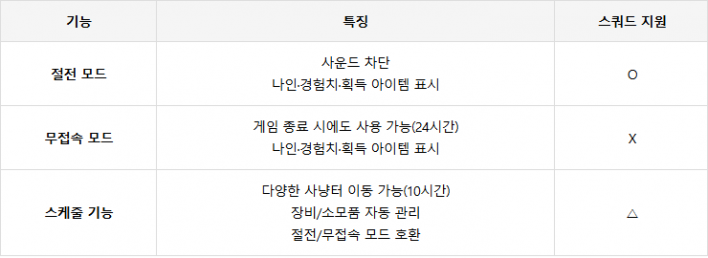
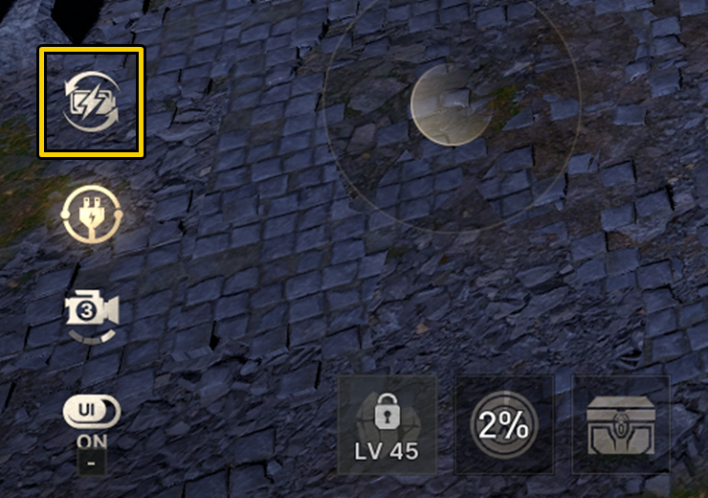
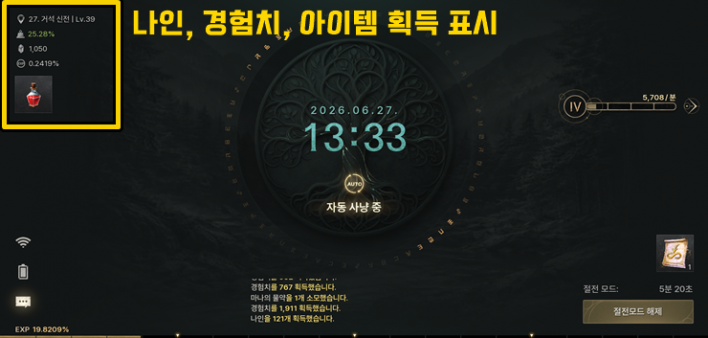
Power Save Mode is literally a feature that 'turns off the screen.' You can activate it by clicking the battery icon at the bottom left of the screen. Auto Hunt continues, but once in Power Save Mode, the game screen disappears and all sound is muted.
This is great to use while you are using your PC for other tasks, and it works normally during squad hunting. It is also an excellent tool for comparing the efficiency of different hunting grounds, as you can see at a glance how long you stayed in Power Save Mode, how much Nine and EXP you earned, and which items you acquired.
Offline Mode
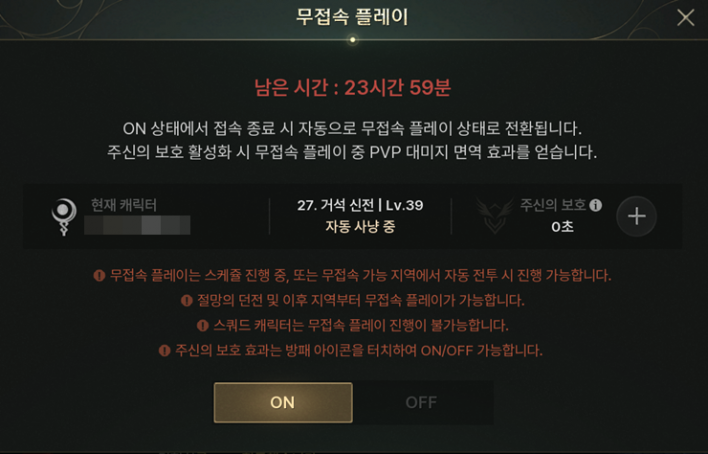
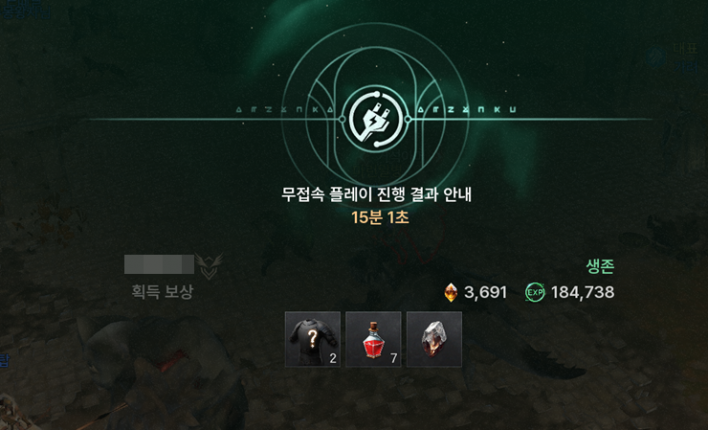
You can access Offline Mode by clicking the power outlet icon located below the Power Save Mode button. It is available for areas from the Dungeon of Despair (20) and beyond. Unlike Power Save Mode, it does not support squad hunting. If you close the game while the Offline function is ON, offline play will automatically begin for the remaining time. When you relaunch the game, it will display the time, Nine, EXP, and items earned, just like in Power Save Mode.
There is also a 'God's Protection' item that supposedly prevents you from being targeted by PVP during offline play, but it has not yet been implemented in the game.
Schedule Function
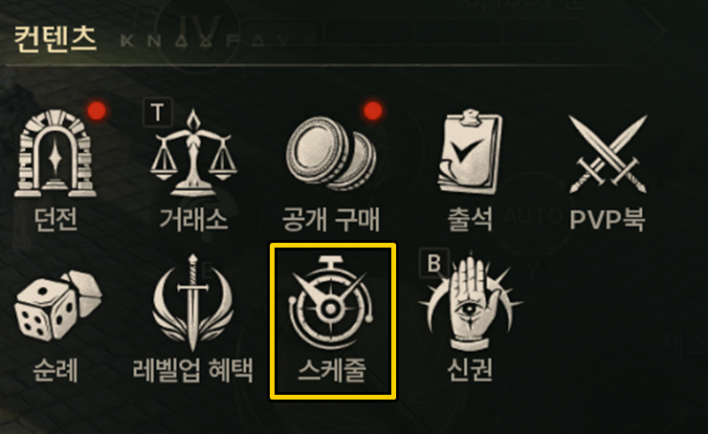
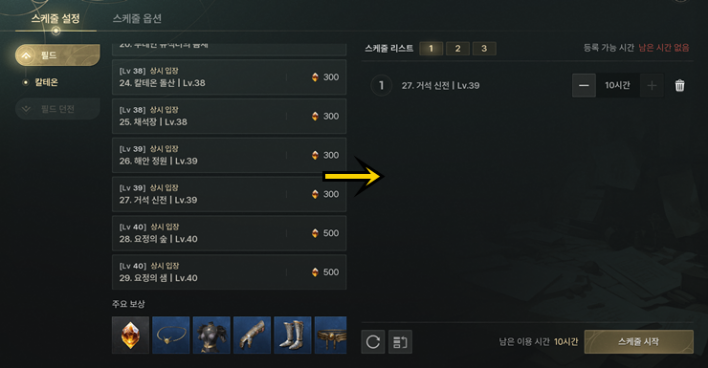
The Schedule function can be found under [Menu - Content] and is the most comprehensive Auto Hunt support system of the three. You can use it for up to 10 hours a day, allowing you to select either a Field or a Field Dungeon and set how many hours you want to hunt in a specific location. You cannot set a Field that is higher than your character's level, and using a Field Dungeon requires Diamonds. The function remains active for up to 7 character deaths.
The biggest advantage of the Schedule function is that it handles not just hunting, but also equipment/consumable management and inventory care. You can configure various options in the 'Schedule Options' tab at the top. From setting how many deaths trigger a stop to automatic equipment repair, item dismantling, storage, sales, and purchases, the character will handle everything automatically based on your settings. A particularly important option is 'Return to Town on Schedule End'; if you want to continue Auto Hunt in the same hunting ground after the schedule ends, make sure to set this to 'OFF'.
The Schedule function is compatible with both Power Save Mode and Offline Mode while running, and unless you are using Offline Mode, it also supports squad hunting.
Q. So, what should I use when I sleep?
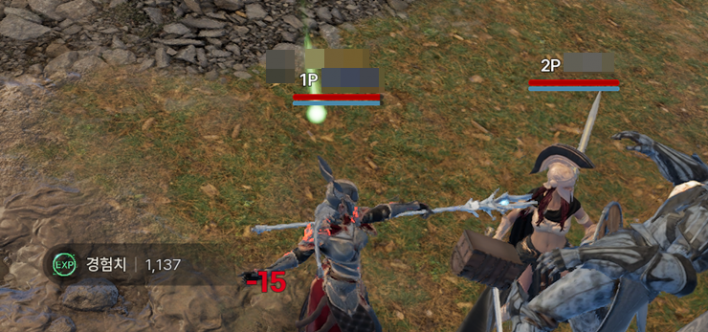
Before level 40, it doesn't really matter what you use, but once you reach level 40, the squad mode opens, making squad support crucial. Since you can raise two characters at once, there is no reason to only focus on one.
Since Offline Mode is the only one that does not support squad mode, you should use Power Save Mode or the Schedule function for Auto Hunt. If you don't specifically need the Schedule function, it is naturally better to stick with Power Save Mode.

Sort by:
Comments :0