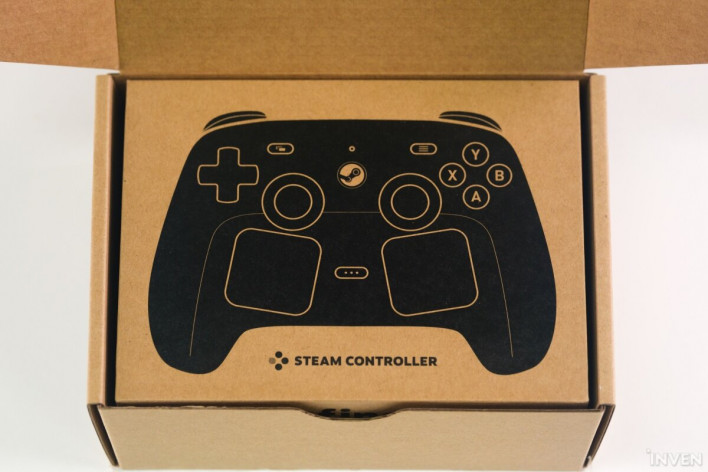
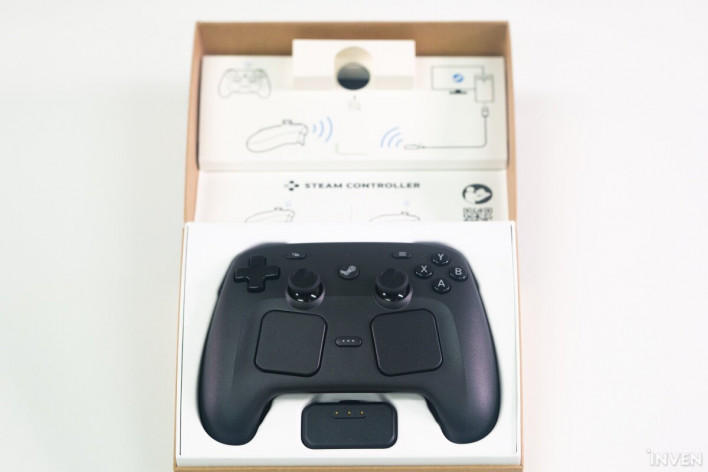
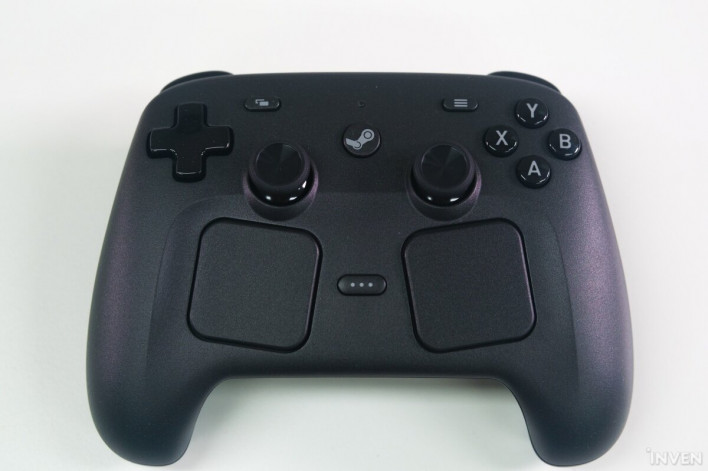
The Steam Controller, with its dual trackpads, was revealed quite some time ago. However, unlike other hardware like the Steam Machine or Steam Link that were announced alongside it, its release date remained elusive. We finally had the chance to get our hands on the Steam Controller before its official launch.
We had plenty of questions: How would the trackpads differ from traditional controllers? How does this version compare to the one unveiled in 2015? Through this unboxing, we took a close look at what fans can expect. Be sure to check out our hands-on experience after extended use, as well as an interview where the developers answer questions about the Steam Controller.
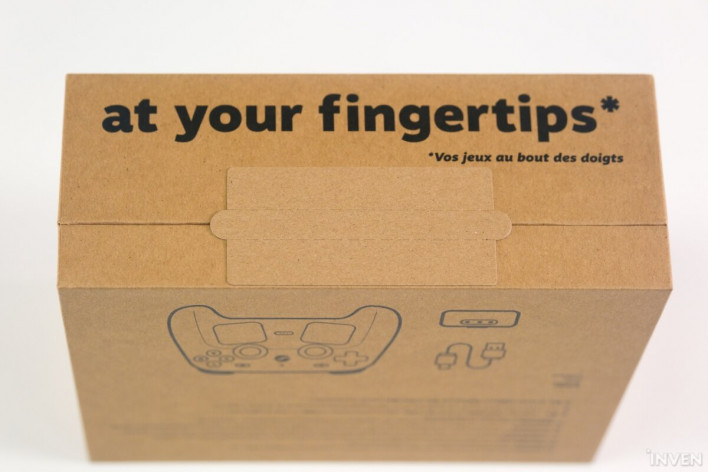
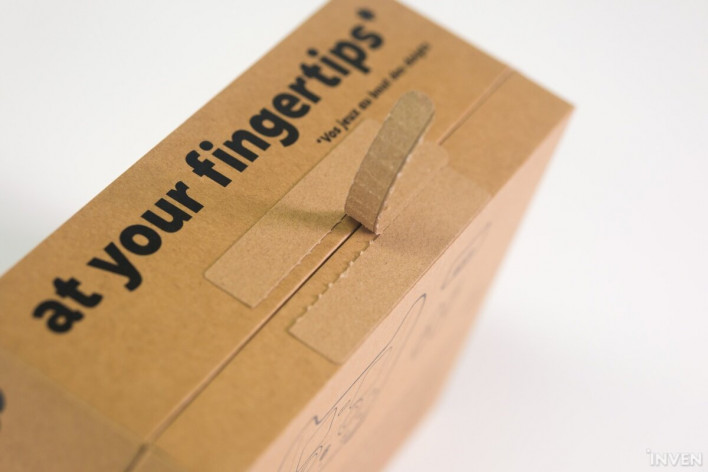
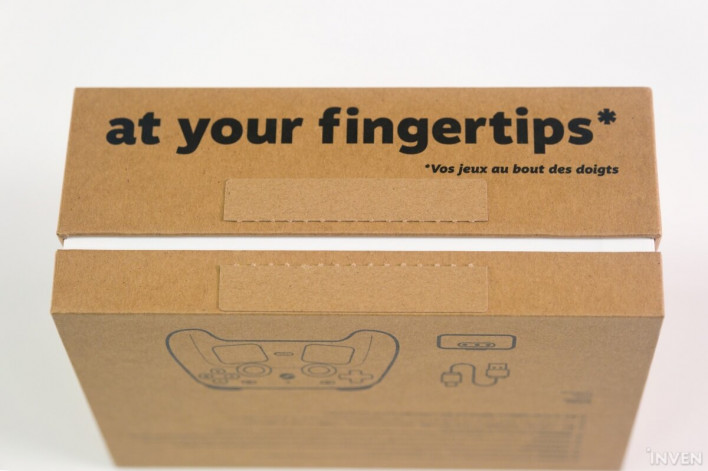
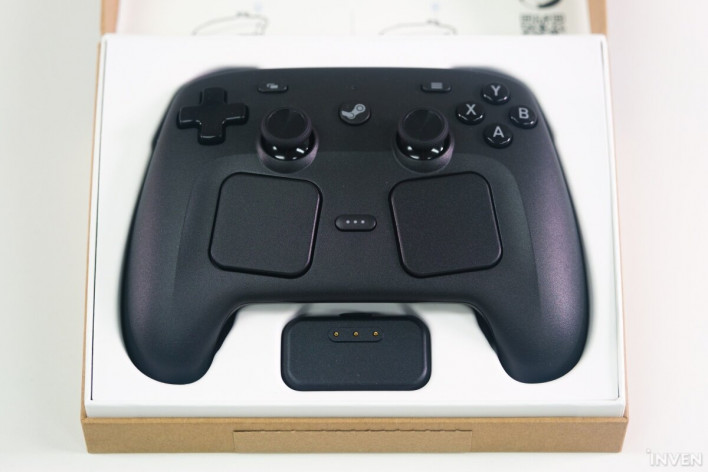
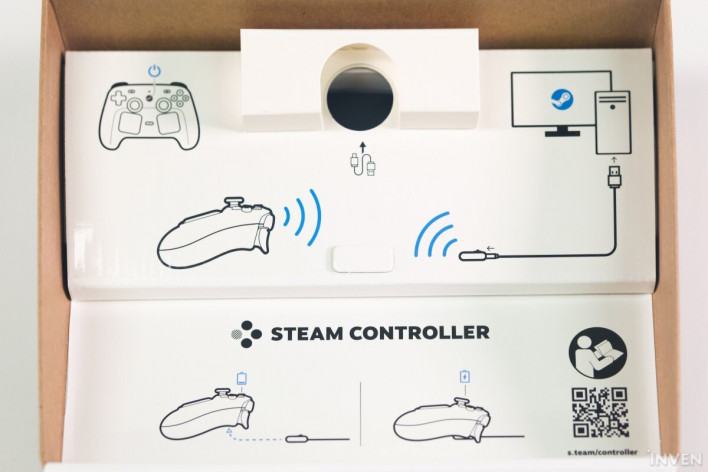
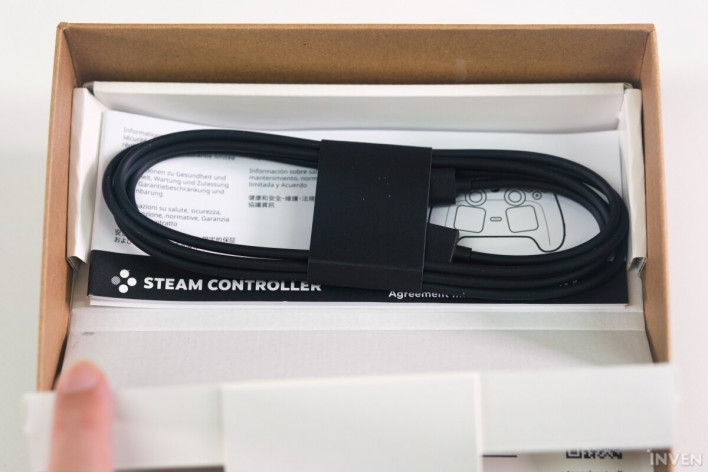
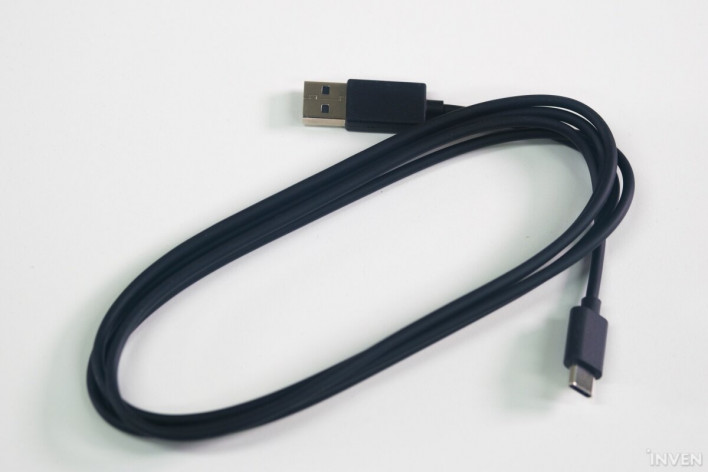
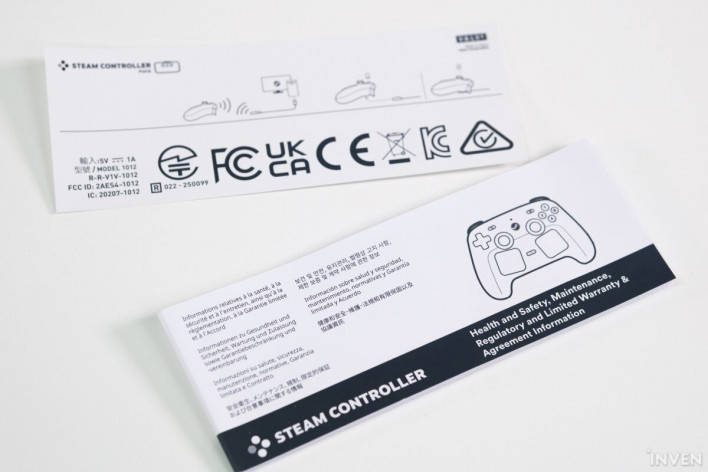
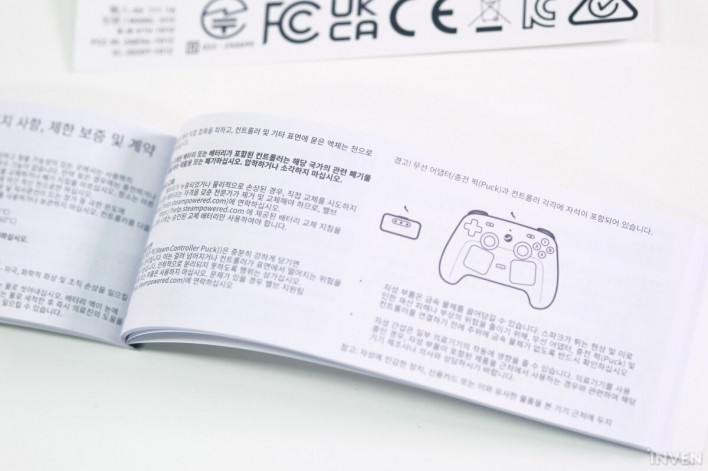
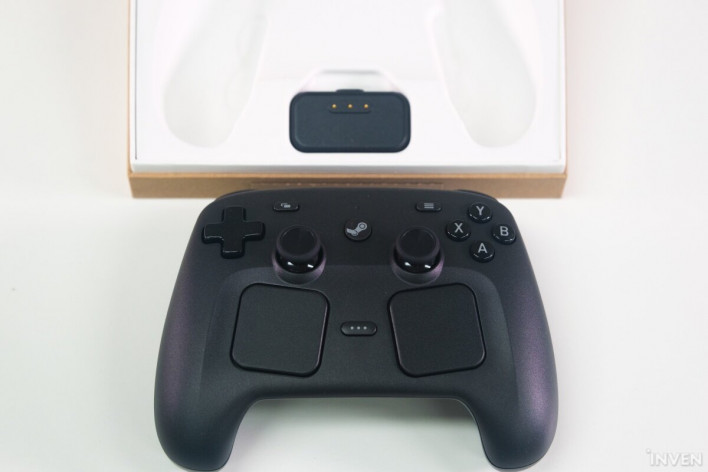
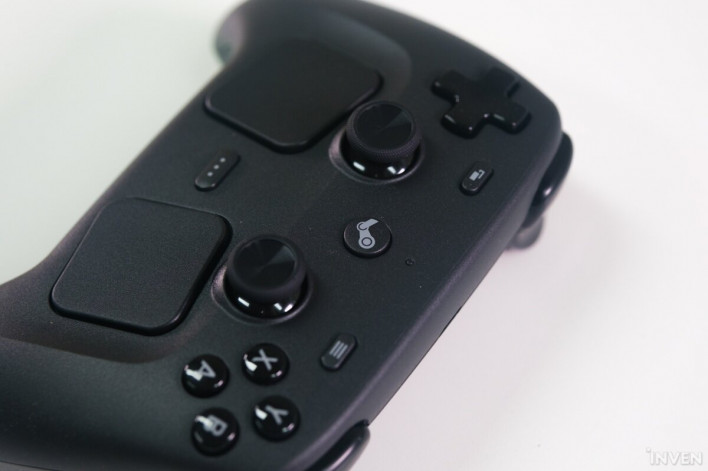
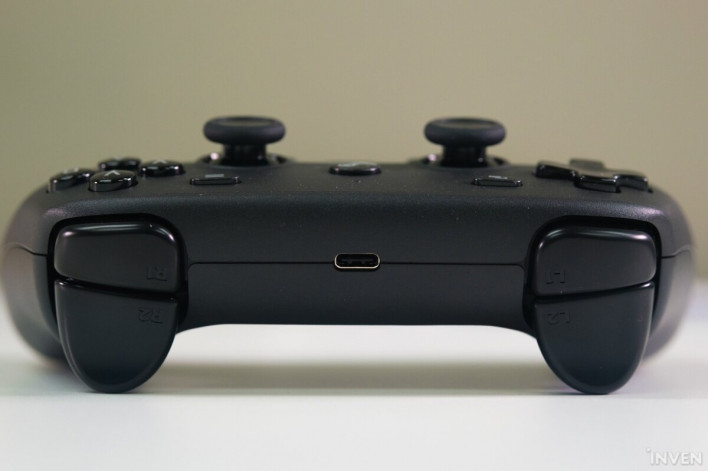
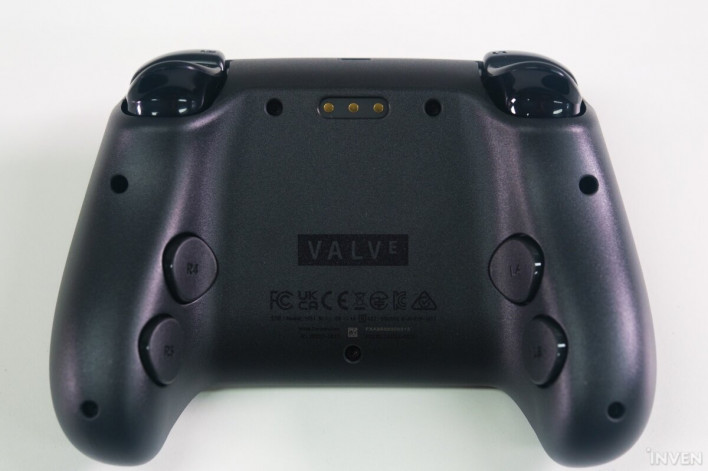
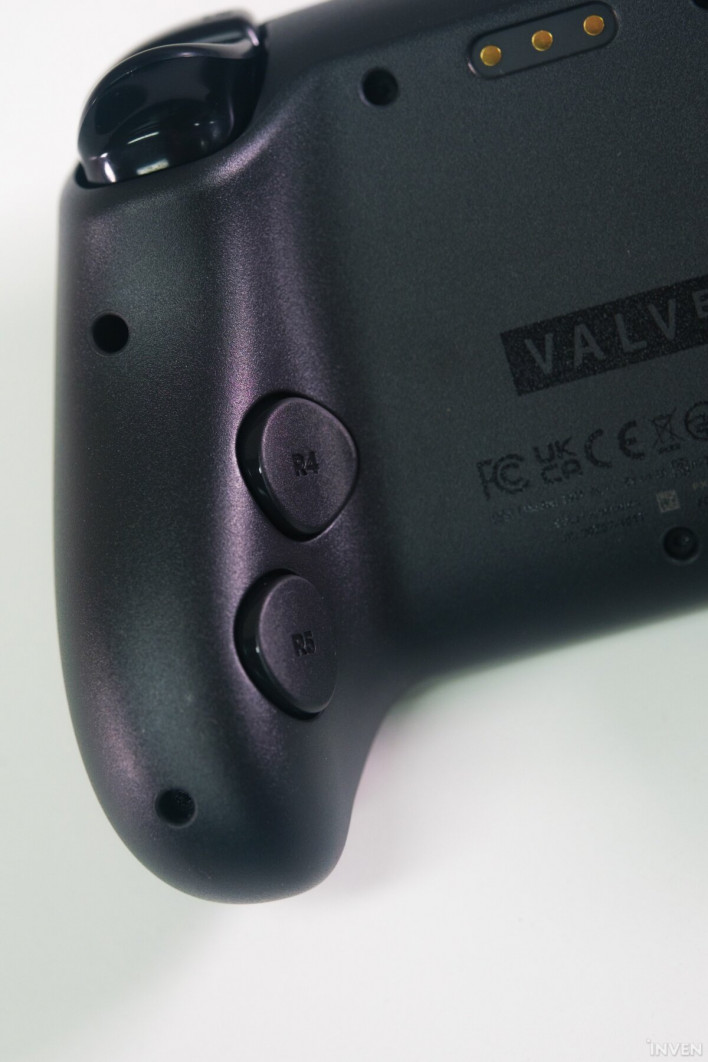
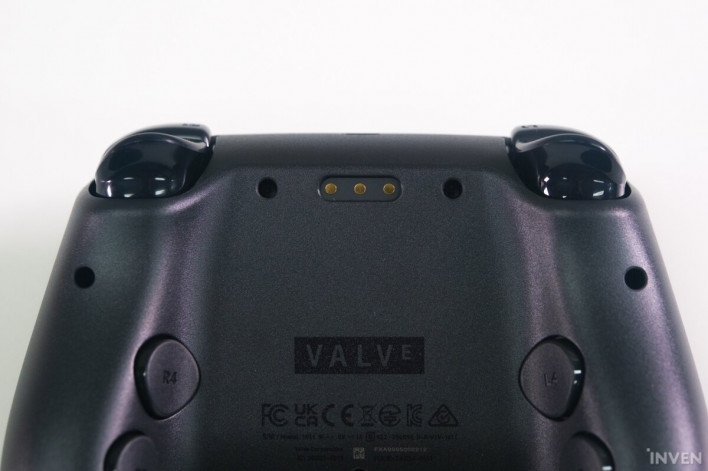
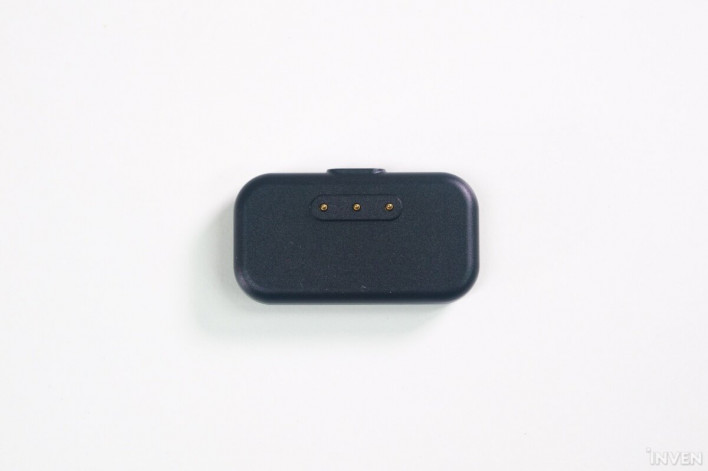
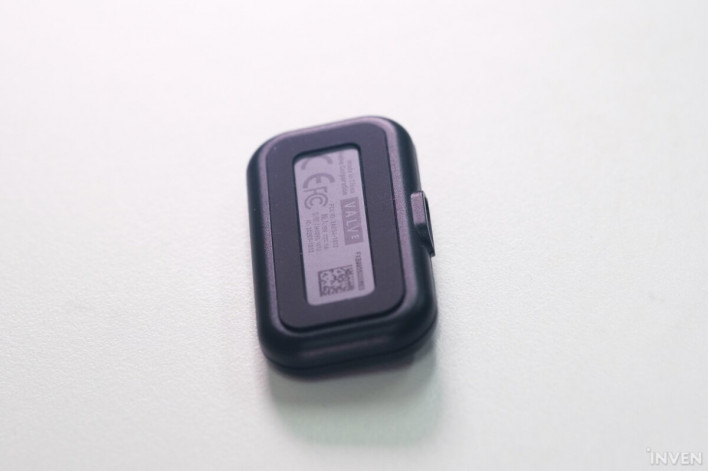
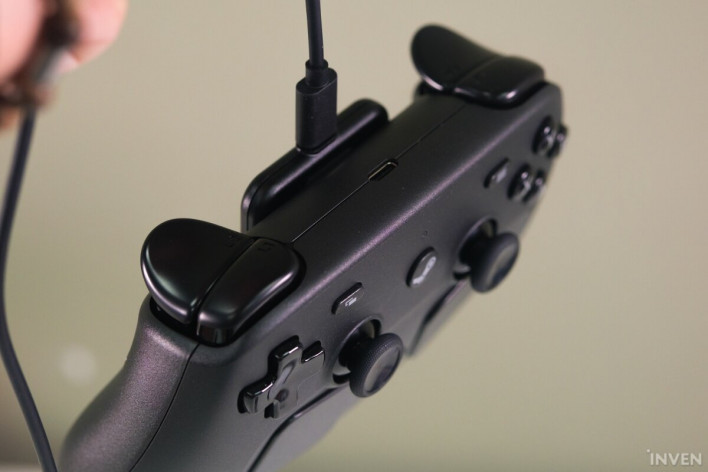
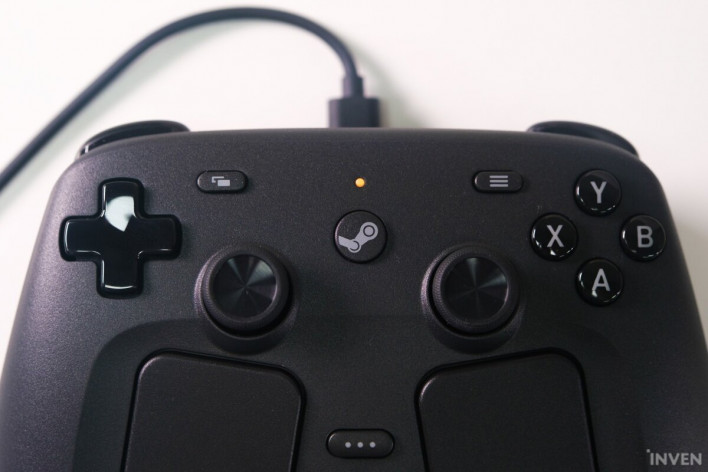
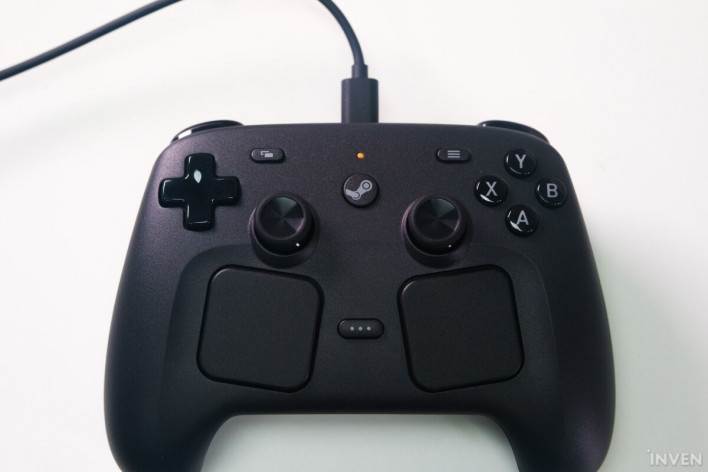
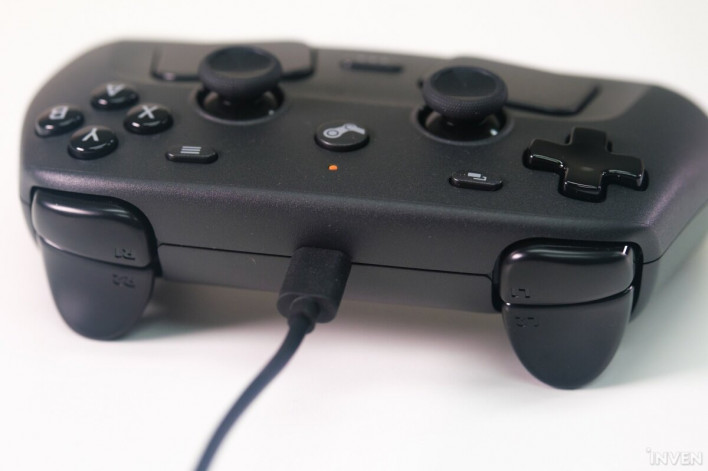
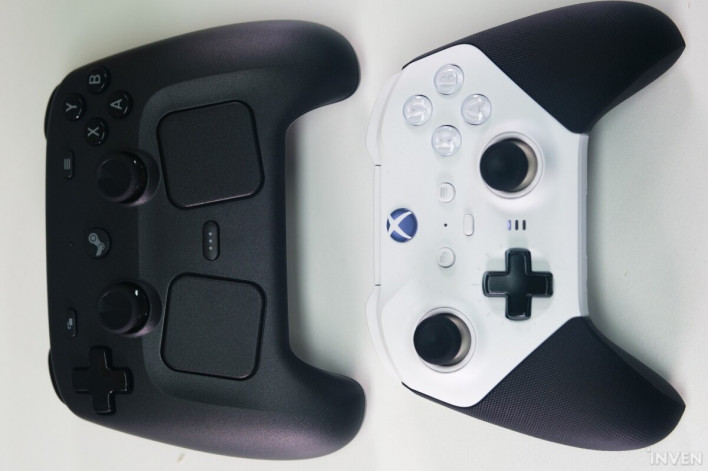
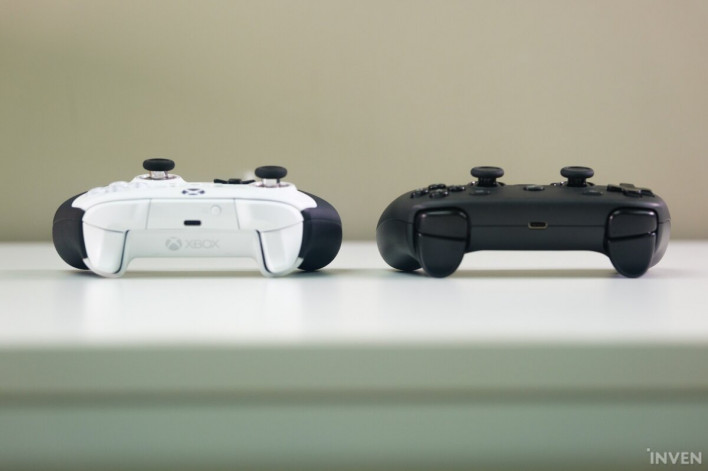
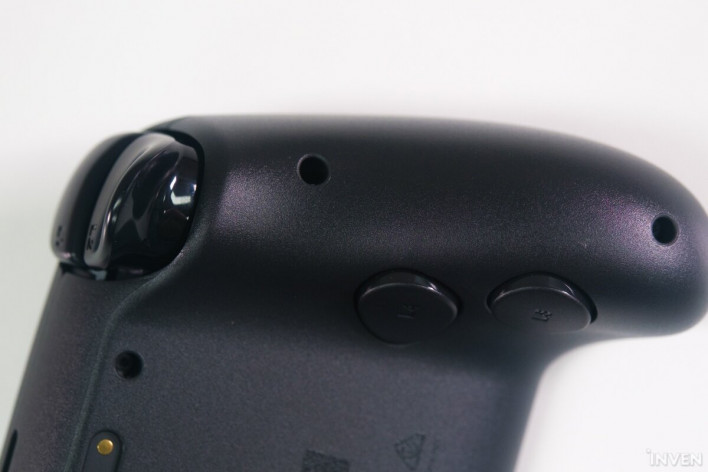
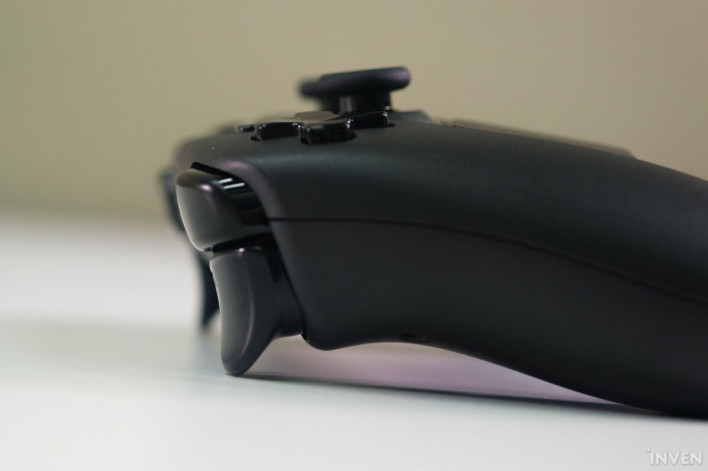
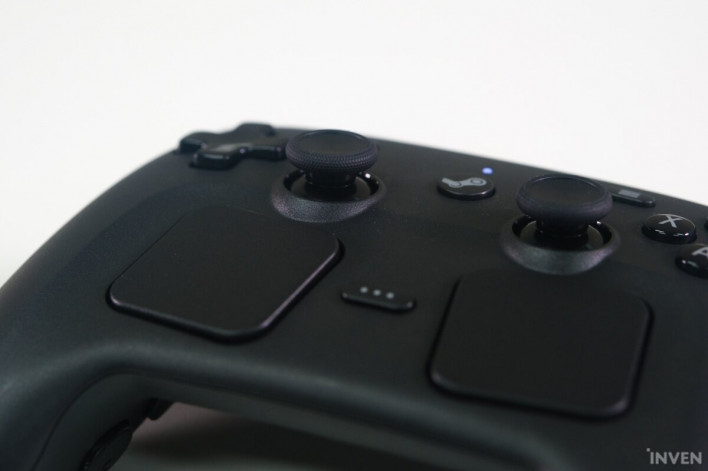
▲ The Steam Controller arrived safely in double-layered packaging. Good job, little guy▲ You open it by tearing along the paper seal. ▲ Just a light rip—put the knife away▲ Open it up slightly▲ The glorious sight of the Steam Controller▲ Below is the puck for pairing with the controller▲ The top features intuitive connection diagrams that don't need words▲ Reach into the hole and pull to find the cable inside▲ The length is just right-▲ A manual containing simple regulatory notices and information▲ It includes Korean, too▲ Taking it out for a closer look▲ You'll find a controller that's elongated vertically, almost rectangular▲ The material has a smooth feel, and the finish is incomparably better than the 2015 version▲ There's a bumper and trigger on each side, plus a USB-C port▲ Looking at the back, the grip area is elegantly curved▲ The back grip buttons provide a huge variety of mapping options. The buttons are placed exactly where your fingers rest▲ The pogo pins on the back are for connecting to the puck▲ This handles the direct Steam connection, maintains the link, and also charges the device▲ The other side is made of rubber to prevent slipping▲ Connect the USB-C cable to the puck, and the magnetic force is strong enough to hold the controller even when you lift it by the cable▲ It charges perfectly even while connected to the puck▲ You can also charge it directly via the USB-C cable▲ Here's how it looks from the top▲ Compared to the Xbox Elite Controller, it's about this size. It might seem large at first, but it feels just right in the hand▲ It's not very tall, and the back is slightly raised to improve the grip▲ You can map the grip area to buttons—this is a total game-changer▲ The triggers have a nice depth, and the analog stick actually uses TMR sensors▲ The two trackpads are set deeper and angled inward, making them feel perfectly natural for thumb operation. For a more detailed look, please check out our full Steam Controller review
This article was originally written in Korean and translated with the help of NC AI. It was then edited by a native English-speaking editor. All AI-assisted translations are reviewed and refined by our newsroom.
[Read Original]