Bringing in a projector to create a big screen often requires much more effort than expected. As the screen size increases, you first have to secure enough distance between the wall and the projector. Sometimes you even need to mount the device on the ceiling, accompanied by the hassle of readjusting the screen size and focus every time you use it. Without a suitable space at home, it is hard to jump in on the dream of a massive screen.
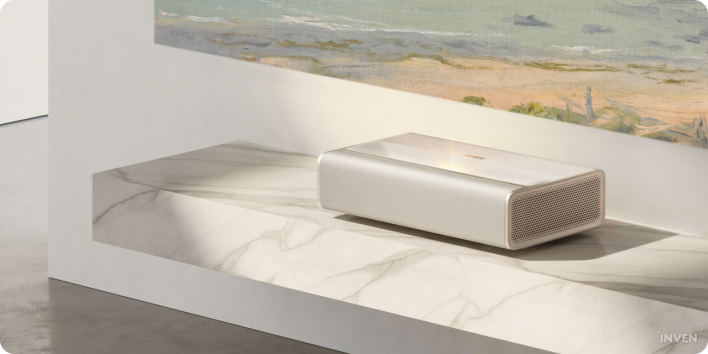
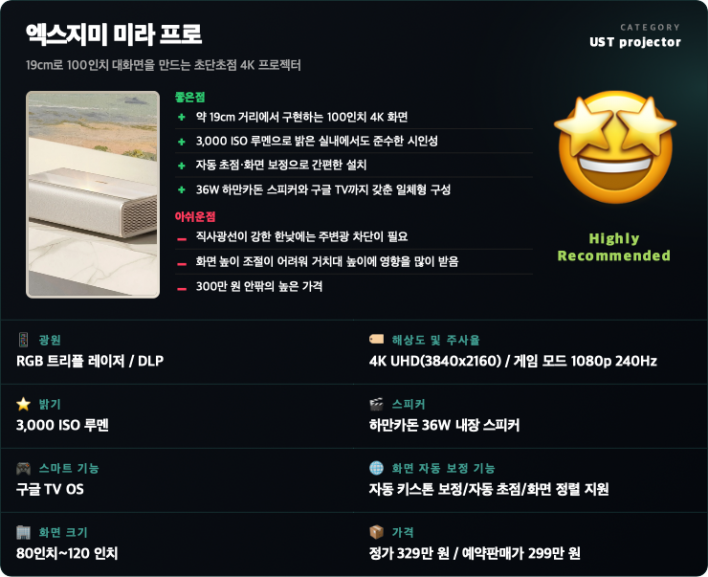
The XGIMI MIRA Pro solves this hassle through an ultra-short throw design. By minimizing the distance between the wall and projector, it projects a 100-inch screen from just about 19.3cm away from the wall. It features an RGB triple-laser light source, 4K resolution, and 3,000 ISO lumens of brightness, with screen sizes expanding up to 120 inches. Google TV and a 36W Harman Kardon speaker system are also built directly into the main unit.
It shares most of its core features with the standard MIRA released alongside it. The main difference lies in brightness: the MIRA supports 2,000 ISO lumens, while the MIRA Pro delivers 3,000 ISO lumens. XGIMI positions the MIRA Pro as a higher-end model designed for viewing in spacious, bright environments. For this review, we set out to verify two main questions: whether it really can project a 100-inch screen without complex installation, and whether it can perform reliably in a living room during the daytime, true to its "Pro" moniker.
Just Place It by the Wall and Power It On! An Ultra-Short Throw Projector That Eliminates Complex Setup
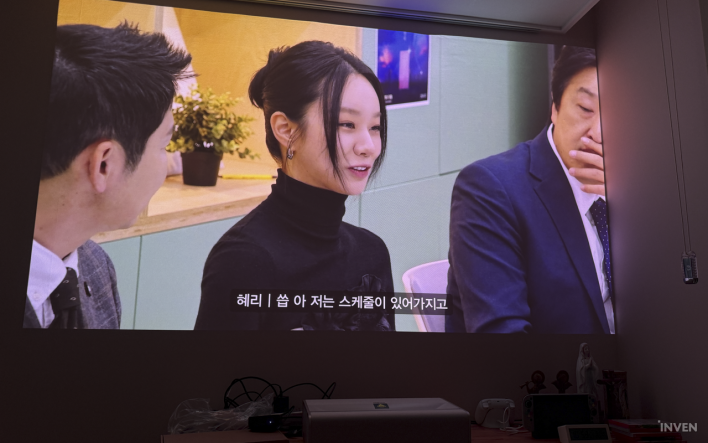
Personally, due to space constraints, I haven't used projectors very often. To me, the first impression of the MIRA Pro was closer to "convenient" than impressive picture quality.
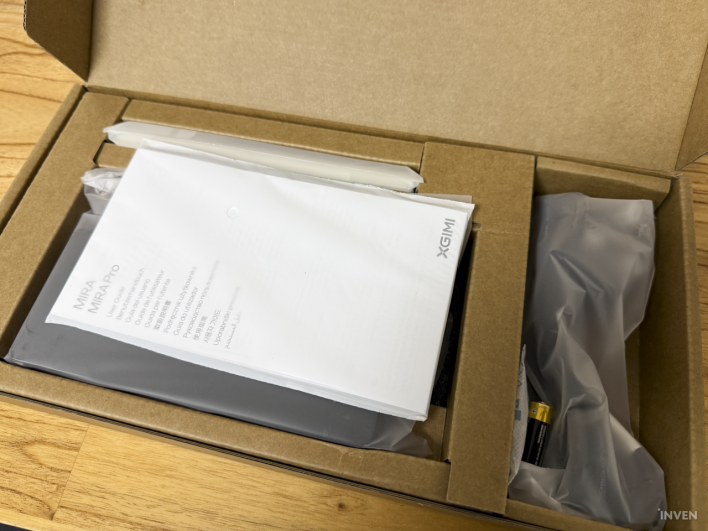
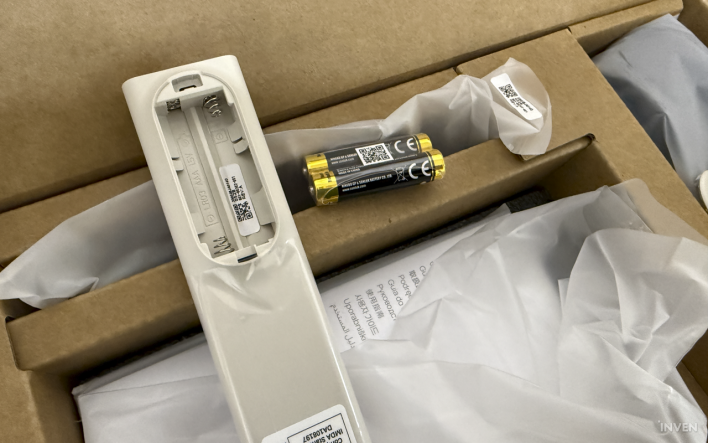
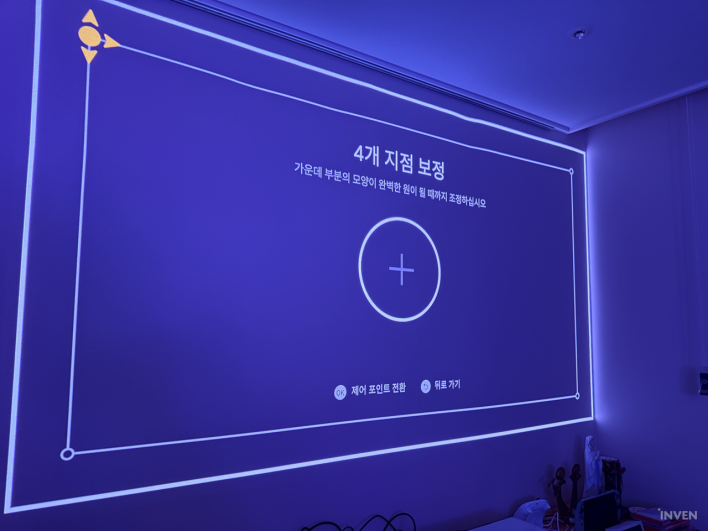
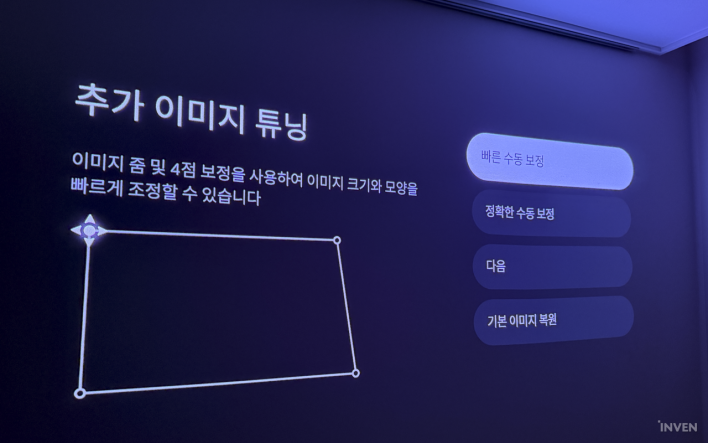
The package contents are straightforward, consisting of the main unit, power adapter, and cables. I plugged the included 220V power cable into the adapter and turned on the power. With that, the basic setup was virtually complete. The projector automatically recognized the wall surface and adjusted the focus and image.
The MIRA Pro incorporates "ISA 5.0" tailored for ultra-short throw environments. It supports auto keystone correction, autofocus, screen alignment, and wall flatness adaptation. If needed, manual fine-tuning is also available. Even without a perfectly aligned wall or dedicated screen prepared in advance, setting up the display was effortless.
It runs on Google TV as its operating system. Setup was straightforward as well. After turning on the device for the first time, you log in to your account using a smartphone by following the on-screen prompts. Selecting the streaming services you use, such as Netflix or Disney+, automatically installs the necessary apps. The time from plugging in the power to actually playing a video was shorter than expected.
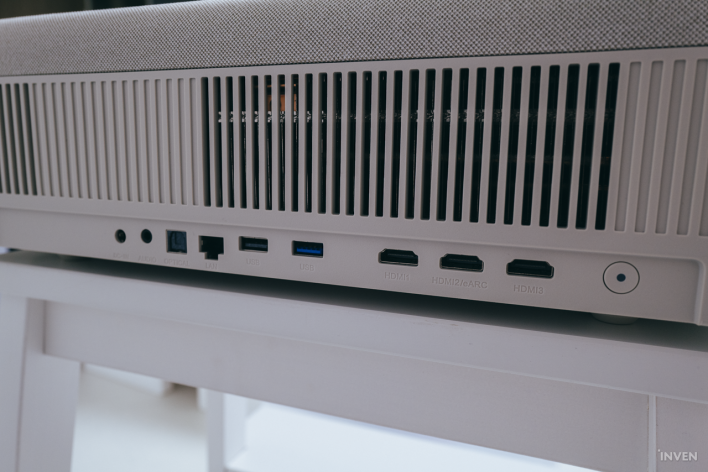
Connecting external devices is equally simple. The rear panel features a total of three HDMI ports, including one with eARC support. Connecting existing devices like a PlayStation or Apple TV instantly brings up a massive screen without complex extra settings. It also features two USB ports, wired LAN, and optical audio output.
A 100-Inch Screen from 19cm However, 'Where You Place It' Is More Important Than You Might Think
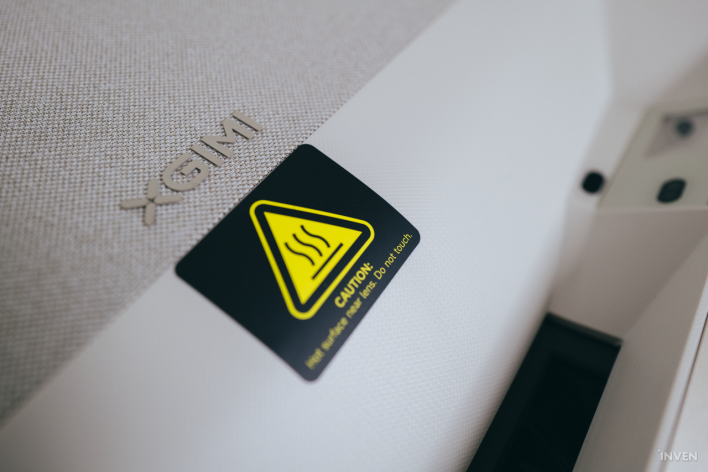
The greatest advantage of ultra-short throw is space savings. Unlike standard projectors, there is no need to position the unit meters away from the wall or mount it on the ceiling. The MIRA Pro has a throw ratio of 0.175:1, projecting a 100-inch screen from an official distance of approximately 19.3cm. Supported screen sizes range from 80 inches up to 120 inches.
In practice, as long as you have a place to set the projector in front of a wide wall, one side of the living room instantly transforms into a massive display. In particular, even when someone walks between the screen and the projector, shadows do not block most of the screen like they do with conventional long-throw projectors, which was extremely convenient for living room use.
However, I realized one thing after testing it myself: while ultra-short throw frees you from "distance" constraints, it does not give you as much freedom regarding stand height as you might expect.
The MIRA Pro features a fixed top-mounted lens, meaning the unit itself cannot significantly tilt the projection angle up or down. Consequently, changing the height of the projected image ultimately depends on the height of the furniture it rests on.
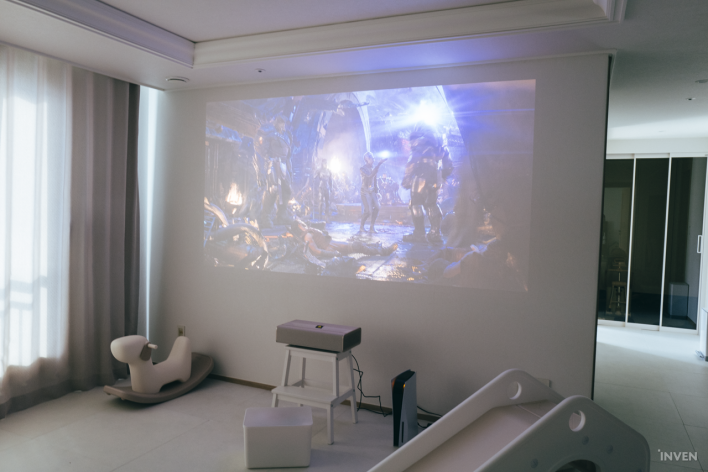
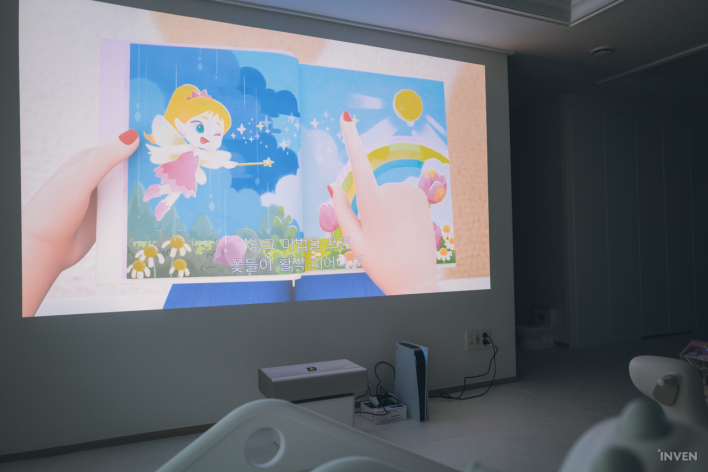
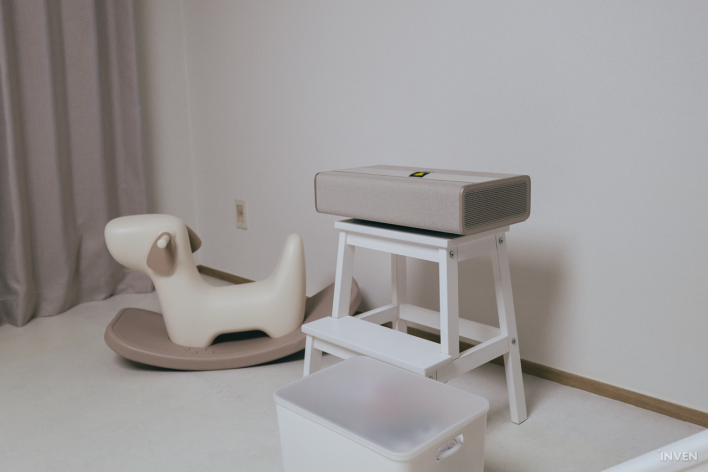
When placing the MIRA Pro on a waist-high media console where a TV would usually sit, the top of the screen nearly touched the ceiling. To keep the screen from overshooting the ceiling, I had to move the projector closer to the wall, reducing the screen size. To fully utilize a screen size of 100 inches or larger, one must consider not just "whether there is space in front of the wall," but also what height the device will be placed at.
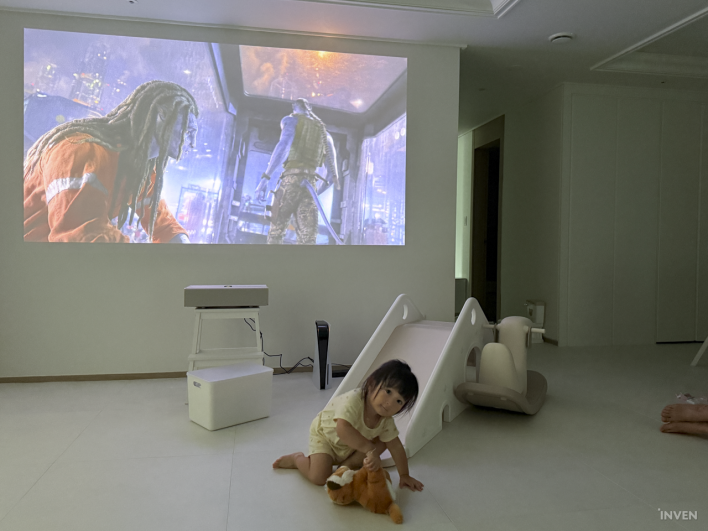
This difference became even clearer at my brother's house, who uses a projector regularly. When placed on a decorative ladder shelf, the screen projected too high, requiring the image size to be shrunk to avoid clipping into the ceiling. Conversely, when using a low toy storage bin as a temporary stand, we were able to create a much larger screen that filled most of the wall.
Interestingly, even when the screen size changed, the image quality of the MIRA Pro itself did not feel noticeably compromised. Ultimately, taking full advantage of the product's strengths requires a clean wall and a low stand with adequate depth, rather than merely a spacious living room.
A Projector You Can Watch in Daylight? The Power of 3,000 ISO Lumens and RGB Triple Laser
The biggest distinction between the MIRA and MIRA Pro is brightness. While the MIRA offers 2,000 ISO lumens, the MIRA Pro delivers 3,000 ISO lumens. Both models share other key image quality specs, including 4K resolution, an RGB triple-laser light source, a 20,000:1 dynamic contrast ratio (with DBLE enabled), and 110% coverage of the BT.2020 color gamut.
The living room at my brother's house happened to be a perfect (?) testing environment for the MIRA Pro. With large living room windows and no blackout curtains, natural light poured in during the day. To start with the conclusion: 3,000 ISO lumens does not mean it can overpower intense direct midday sunlight.
During hours when strong sunlight flooded the living room, colors and contrast washed out noticeably. To watch videos comfortably, direct sunlight had to be blocked with curtains. However, there was no need to turn the room completely pitch black. With curtains drawn or normal indoor lighting on, the image remained sufficiently crisp. It was a far cry from the typical projector experience where you must turn off every light before sitting down to watch.
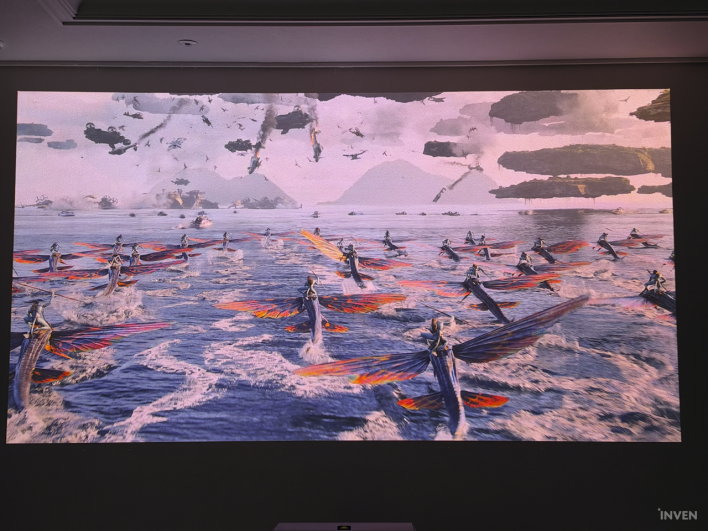
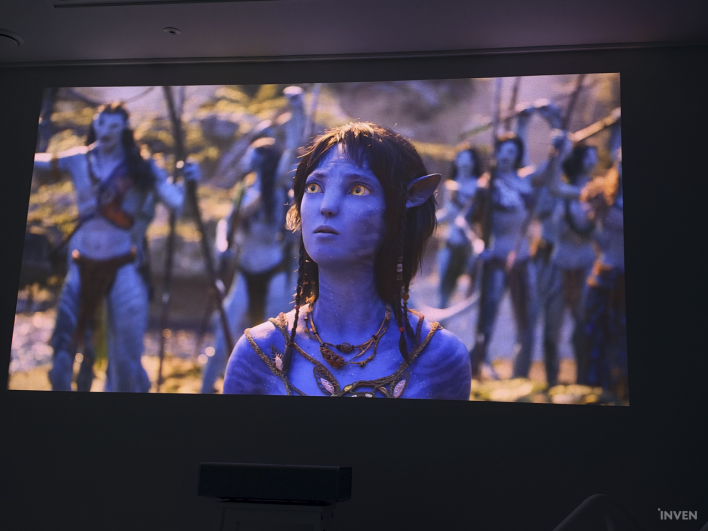
The visual quality was equally satisfying. In color-rich content like the movie "Avatar," blue and green tones sprang vividly to life. Even when bright and dark areas coexisted within a single frame, shadow detail did not easily wash out.
The MIRA Pro supports Dolby Vision, HDR10+, and HLG. Official specs rate it for 110% BT.2020 color gamut coverage and a 20,000:1 contrast ratio. Color accuracy is also ΔE
It was quite far from the common misconception that projectors offer "a big screen, but a somewhat blurry picture." Even when scaling the display up to around 100 inches, fine 4K details were rendered with satisfying clarity.
Can It Handle Gaming on a 100-Inch Screen? From Ace Combat 8 to EA Sports FC 26
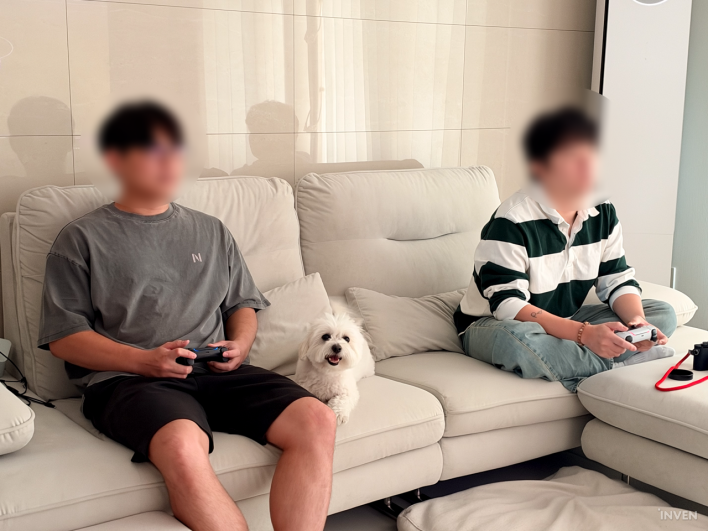

With a display like this, stopping at video playback was not an option. Regardless of screen size and picture quality, a projector cannot be recommended for gaming if there is perceptible input lag.
The MIRA Pro supports VRR and ALLM. The officially claimed 1ms input latency assumes a 1080p 240Hz environment with Game Mode active, VRR enabled, and auto keystone turned off. Since this figure was measured under specific conditions, one shouldn't assume that 1ms applies across all resolutions and settings.
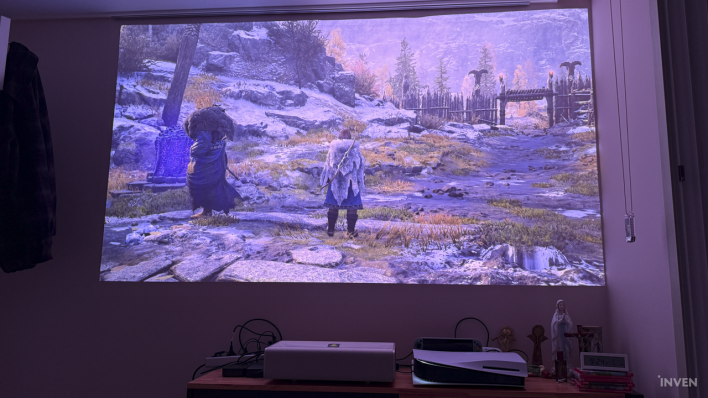
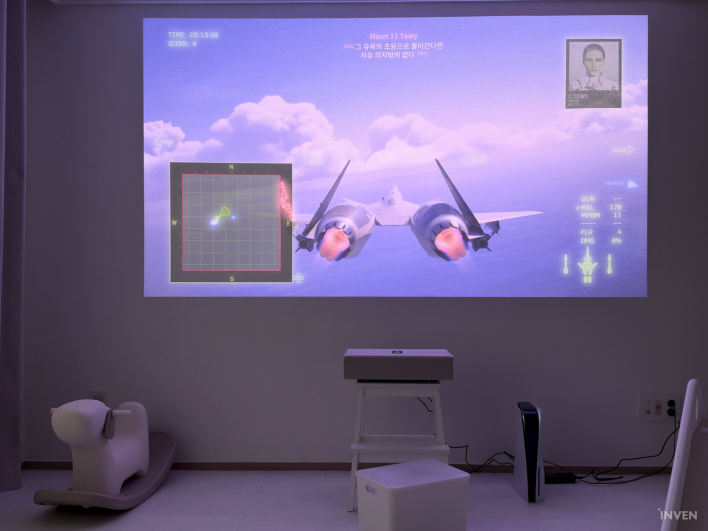
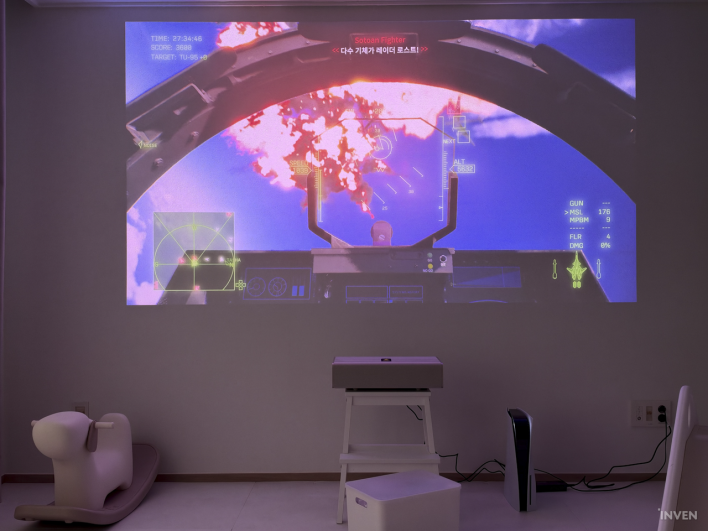
In the latest title, "Ace Combat 8," I executed sharp turns with the aircraft and panned the camera rapidly. Even so, projector-typical motion blur wasn't noticeably distracting. The texture of the sky and clouds filling the massive screen was equally impressive; distant objects and cloud formations did not appear soft or blurred despite the display scale.
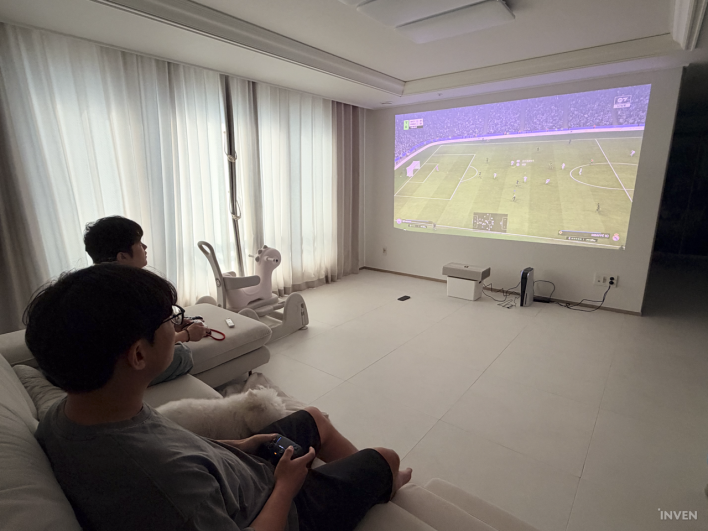
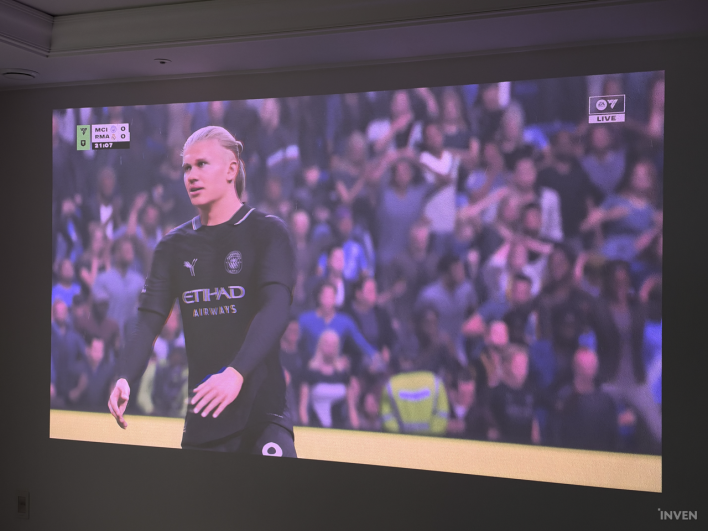
I played "EA Sports FC 26" with my brother-in-law. Even in a game where input timing is crucial for passing and shooting, no notable input lag was felt during play. Since we did not measure latency with professional equipment, exact numbers cannot be confirmed, but while enjoying regular console gaming, it felt no different or more inconvenient than playing on a TV.
Piloting a fighter jet or playing a football match on a screen approaching 100 inches created an immersive atmosphere hard to replicate on a monitor or a standard living room TV. The gaming features on the MIRA Pro aren't just bullet points on a spec sheet; there is every reason to utilize this massive screen for gaming.
Soundbar? Might Not Need One 36W Harman Kardon Speakers That Almost Brought Up the Downstairs Neighbor
After setting up a large screen, audio becomes another key consideration. If you have a 100-inch screen but sound comes out of a laptop or a small Bluetooth speaker, immersion is inevitably cut in half.
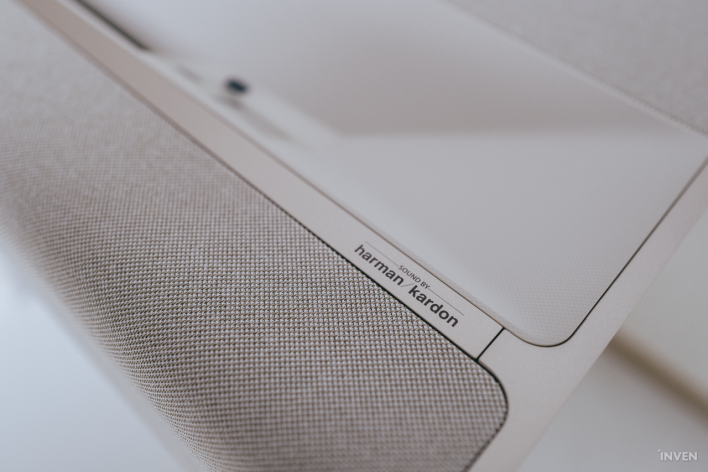
The MIRA Pro features a 36W Harman Kardon-tuned audio system. Comprising two 8W full-range speakers and a 20W subwoofer, it supports DTS Virtual:X, DTS-HD, and Dolby Audio. In practice, I hardly felt the urge to hook up external speakers.
Movie dialogue came through crisp and clear, while games delivered ample bass for sound effects. Above all, the volume output itself was remarkably strong. Since testing took place in an apartment, attempting to turn the volume past 30 immediately prompted my brother to stop me, warning that the downstairs neighbor might come up.
While it may not directly match a dedicated high-end home theater or standalone soundbar system, resolving both picture and sound through the MIRA Pro alone is a definite advantage. Considering that Google TV is built-in as well, plugging in power practically completes an all-in-one home entertainment system.
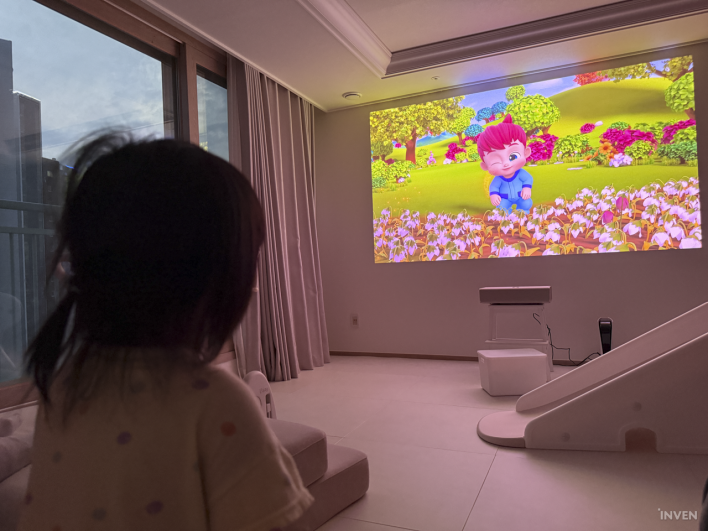
Can the MIRA Pro Really Replace the Living Room TV? The Answer, Surprisingly, Lay in the Stand
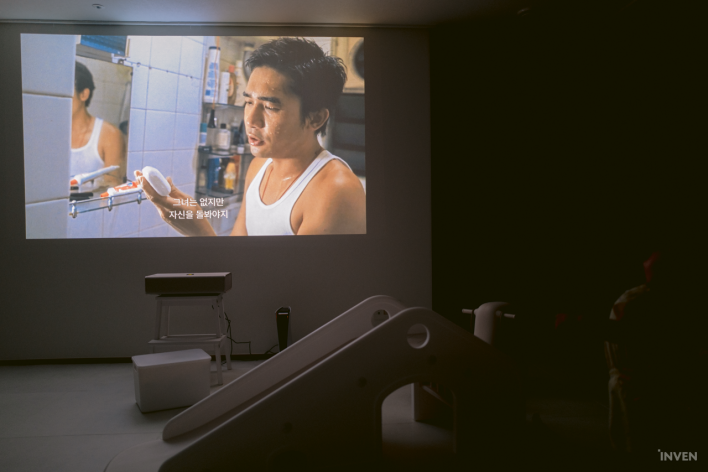
Before testing the MIRA Pro, my biggest questions were about picture quality and brightness. However, after wrapping up the review, my strongest lasting impression was actually "how effortless it is."
As long as you have a clean wall and a surface to place the unit on, no installation work is required. Placing the MIRA Pro where the TV used to sit and powering it on allows it to align the display automatically. You can jump straight into content via Google TV and connect consoles like PlayStation using a single HDMI cable.
My brother, who usually uses a portable projector, was also most impressed by the ultra-short throw design itself. With conventional projectors, if someone walked past while watching a video, most of the screen was blocked. Because the MIRA Pro projects from right in front of the wall, this issue never occurs.
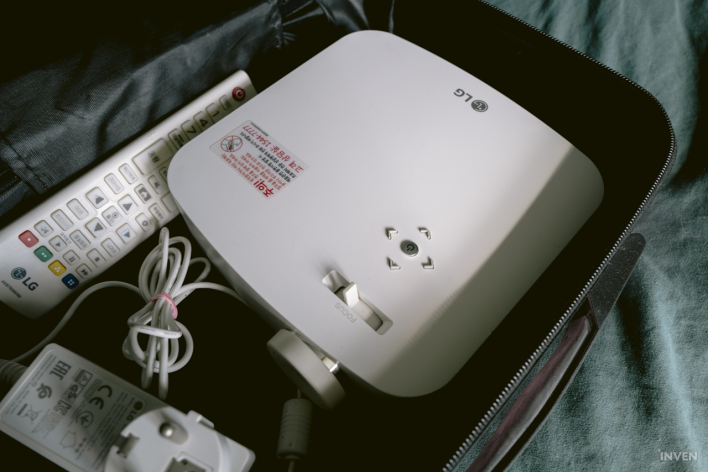
He also highlighted not having to re-adjust the screen size and focus every time he watches something as a major plus. Simply turning on the unit with the remote control brings up the video immediately, just like a regular TV, creating a completely different user experience from conventional projectors.
Of course, comparing the two directly as competing products isn't fair. They are in entirely different weight classes, from resolution and brightness to price. That gap makes it all the clearer what the MIRA Pro was built for.
You don't need to overhaul room furniture, ceiling-mount a projector, or add external speakers and smart devices one by one to transform a room into a cinema. Simply placing the MIRA Pro in front of a wall delivers a near 100-inch 4K screen, powerful sound, streaming apps, and a complete gaming setup all at once.
To be sure, delivering 3,000 ISO lumens doesn't mean it can take direct, harsh daylight and match a TV screen pixel-for-pixel. Prospective buyers should also keep in mind that since the device cannot freely adjust screen height on its own, maximum screen size will vary depending on the height of the stand or furniture.
The XGIMI MIRA Pro feels much closer to placing a regular TV in your room than bearing the setup burden of a traditional projector. If you can find the ideal spot to set it down, that is all the preparation you need to turn an ordinary wall into a massive home cinema.