It’s already been eight years since FC Online (FCO) launched! There’s a common perception that the older an online game gets, the higher the barrier to entry. But FCO is easier than you think. Follow along step-by-step, and you’ll be a Challenger in no time! This second installment of our beginner’s guide covers match modes and the menu system.
Be sure to grab the special coupon for FC Online Inven users at the bottom of this article!
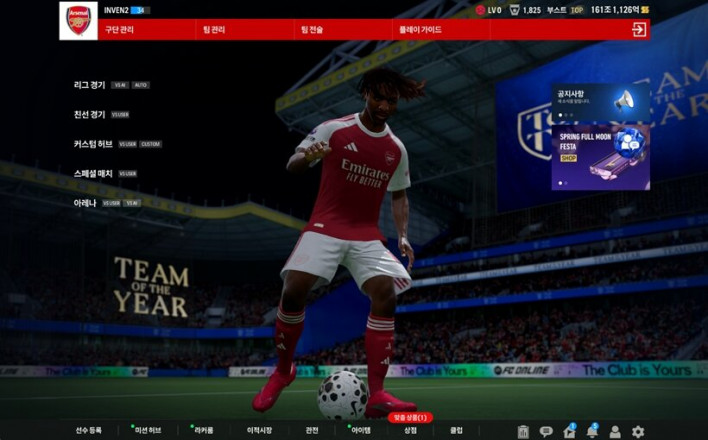
Club Team: Play solo or have some casual fun with friends!
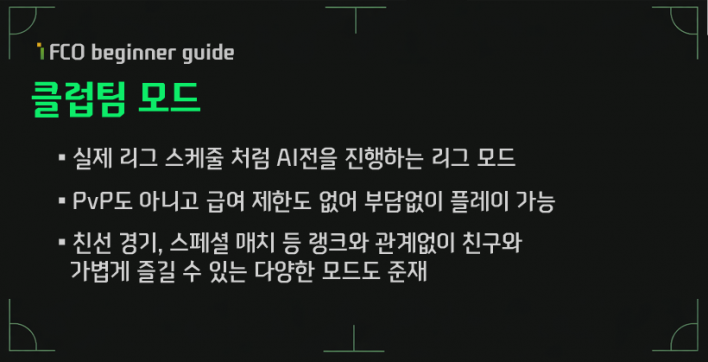
'Club Team' is a mode where you can join a league and enjoy single-player content. While you can play against other users in Club Team mode, the main focus is on VS AI matches. Since it’s single-player, you can build your team freely without salary caps, and there’s less pressure to perform.
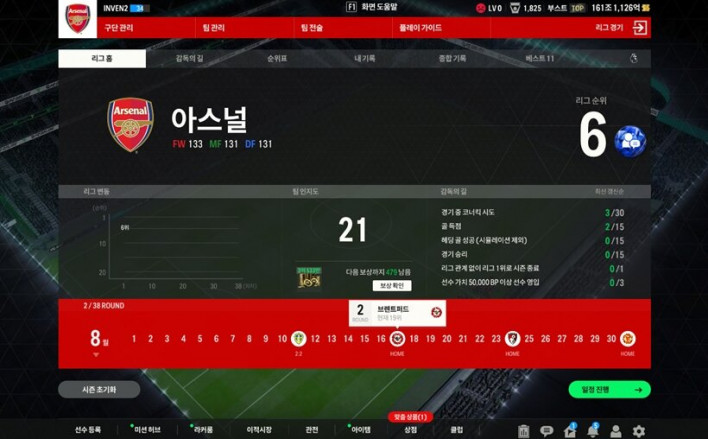
League matches allow you to quickly check results via simulation, and you can also play in Manager Mode, so feel free to enjoy it at your own pace.
★ Key Club Team Menus
· League Match: A VS AI mode that follows the actual ongoing league schedule
· Friendly Match: Quickly match with other users using your league team
· Custom Hub Match: A mode where you can customize game options like match length, advantage, penalty shootouts, team drafting, and tactical restrictions. It also supports team matches and tournaments, making it possible to host small competitions with friends
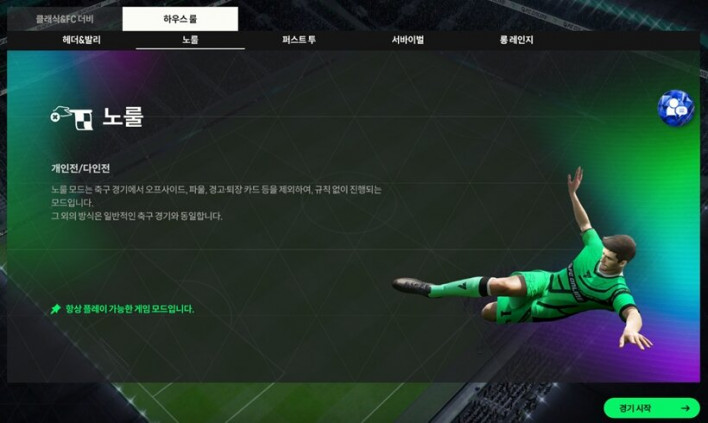
· Special Match: Play friendly matches with friends or team up for random matches. 'House Rules' offers interesting modes, such as playing without rules or having to score without letting the ball touch the ground
· Arena: Event matches with set participation times. You can play 1vs1 tournaments, co-op PvE, and more
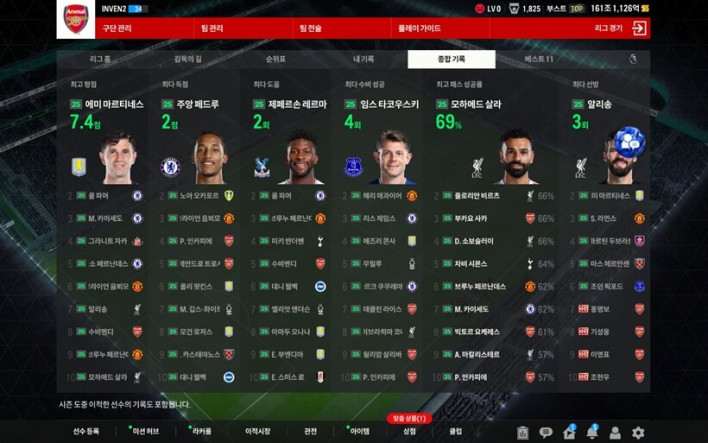
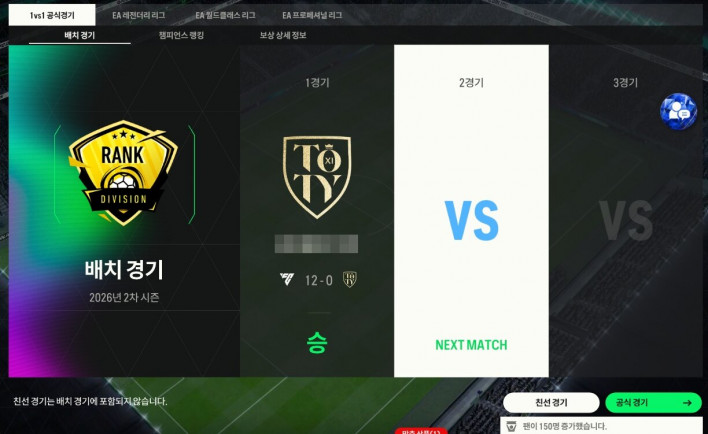
Representative Team: The true main mode of FCO—your goal is Challenger!
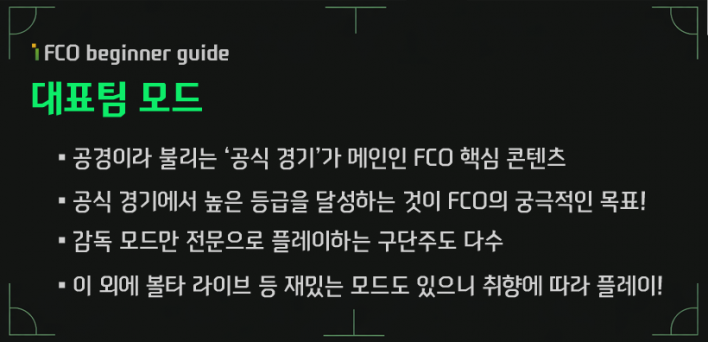
Representative Team mode is the main stage of FCO. While Club Team is for solo play or casual matches with friends, Representative Team focuses on what is commonly called 'Official Matches.' Unlike Club Team, Official Matches apply a salary cap, requiring you to build a tight lineup. Furthermore, system assists are restricted. It is a strictly competitive mode where, quite literally, the player with the better 'fingertips' wins.
Official Matches are divided into tiers: Prospect, Semi-Pro, Pro, World Class, Challenger, Super Challenger, and Champions. Promotion, retention, and relegation are determined by match results. Many users strengthen their teams and practice their controls to reach higher tiers.
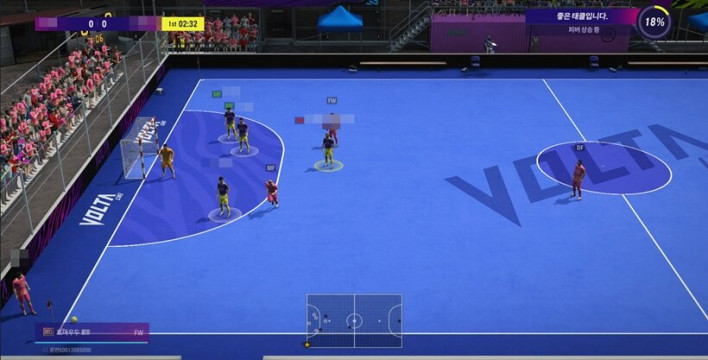
If you find manual control stressful, we recommend Official Match Manager Mode. In Manager Mode, you can win through strategy and tactics alone, and the results are reflected in your tier. Also, check out 'Volta Live,' where you control only one player in a 4vs4 match—it’s a lot of fun!
★ Key Representative Team Menus
· Official Match: Matches where salary caps are applied and control assists are restricted
· Official Match Manager Mode: A mode that uses the same system as Official Matches but focuses on strategy rather than manual control
· Volta Live: A 4vs4 mode where you control only one player
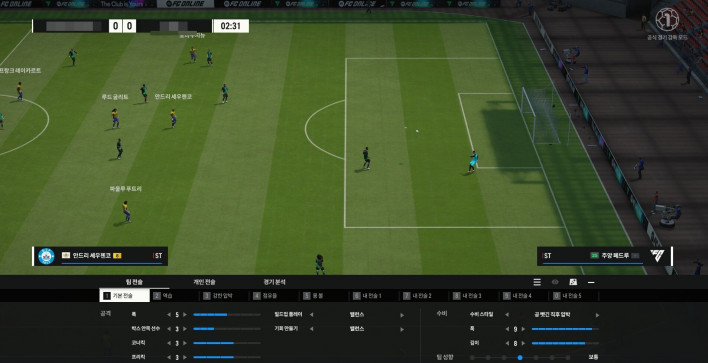
Common Menus: From team customization to hidden rewards!
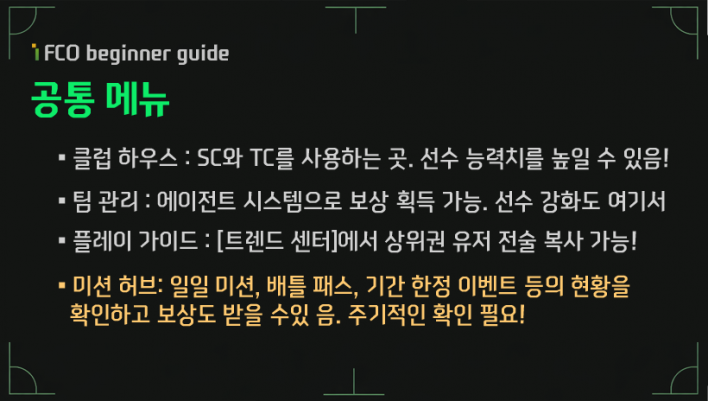
The common menu at the top of the screen allows you to manage your club, team, clubhouse, and tactics. In particular, the Clubhouse offers additional benefits such as supporter effects, intensive training, and tactical training. Team management can be quite complex once you dive deep, so we recommend learning it step-by-step.
The common menu at the bottom of the screen offers various team management options. You can set up your team via the Transfer Market, Player Registration, and Locker Room. The Locker Room also allows you to customize appearances like uniforms, while the Mission Hub provides rewards including card packs and EP. As the Transfer Market is a core part of FCO, we will cover how to use it efficiently in a future article.
★ Key Common Menus
·Club Management: A menu to check overall team data. The most important element is the [Stadium], which can be upgraded to increase rewards
·Clubhouse: Complete missions through matches and various content. Use the Supporter Coins (SC) and Training Coins (TC) earned as rewards to increase supporters to boost team stats, or enhance player stats through intensive and tactical training
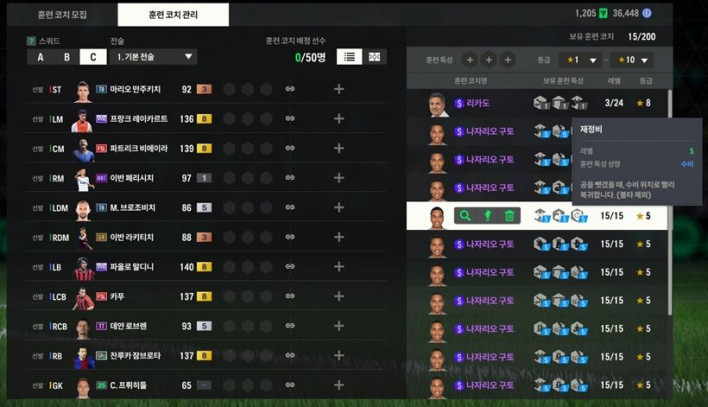
·Team Management: Obtain various rewards from the Agent or exchange unnecessary players for other rewards. You can also enhance player tiers and utilize training coaches
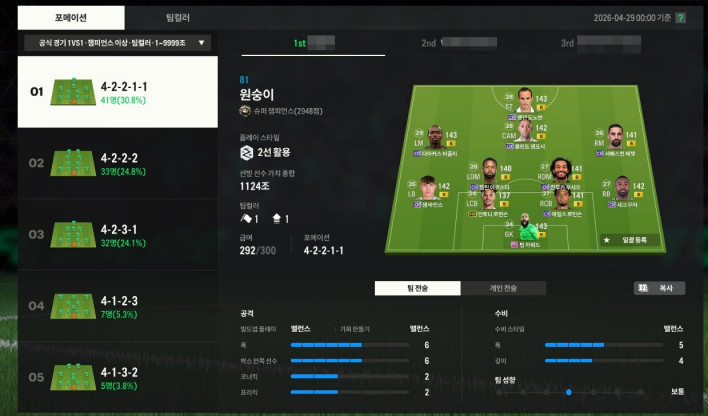
·Team Tactics: A space to set formations, player lineups, and team colors. You can also designate set-piece takers and set detailed tactics
·Play Guide: A menu to check various game tips. The highlight is the [Trend Center], where you can copy and apply the formations and tactics of top-ranked users
·Player Registration: A space to register players acquired from the Transfer Market or card packs to your squad
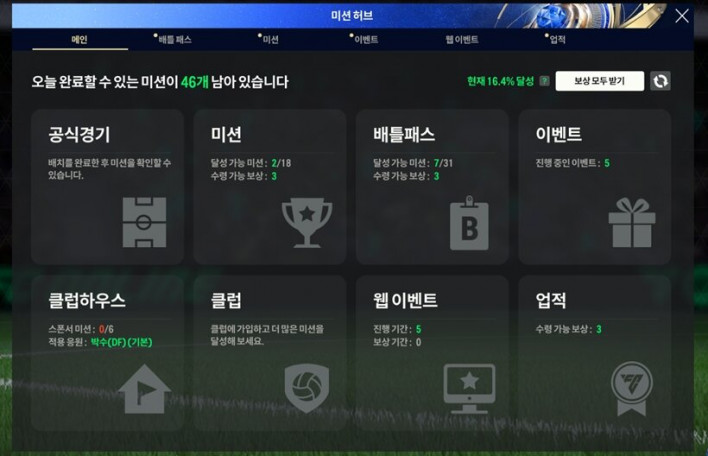
·Mission Hub: A menu to check progress on daily missions, battle passes, events, and achievements to claim rewards. Check this regularly
·Transfer Market: A space to trade players with other users
·Spectate: Watch replays of your own matches, specific players, or top-ranked users
·Club: A user community space. Earn various rewards through club missions
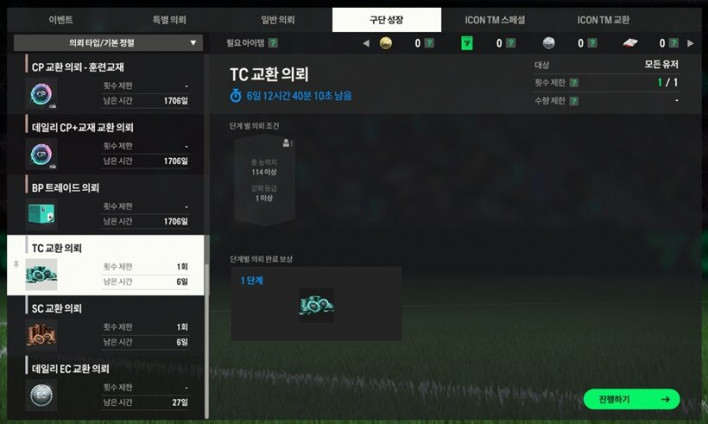
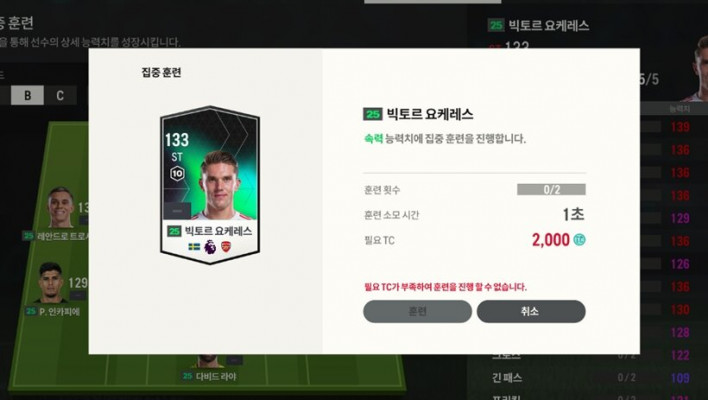
※ Inven is gifting an FC Online coupon to all our club owners! You can redeem this coupon by entering it in the 'Coupon Box' at the top right or the 'Register Coupon' menu at the bottom of the official FC Online website.
April 30 Coupon: 강화한단계더FCO정복Q5
This coupon can be used once per account until Wednesday, May 13. More surprise coupon gifts from FC Online Inven are on the way!
⚽ FC Online Beginner's Guide Collection
[Beginner's Guide ①] Let's start playing! From settings to league matches


Sort by:
Comments :0