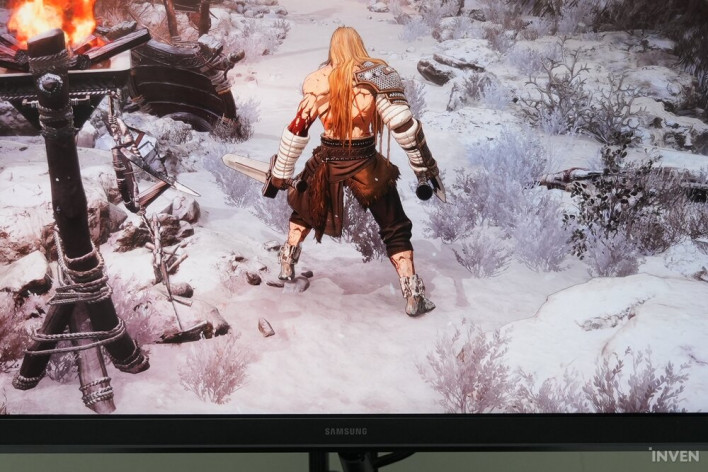
For years, the core keywords defining the gaming monitor market have undoubtedly been 'refresh rate' and 'resolution.' But what is the benchmark that makes one think, "I could use this monitor without any complaints"? By my own standards, that would be a 120Hz refresh rate and QHD resolution. You say we are in the era of 4K and 300Hz? No matter how fast technology evolves, my wallet unfortunately doesn't grow at the same rate.
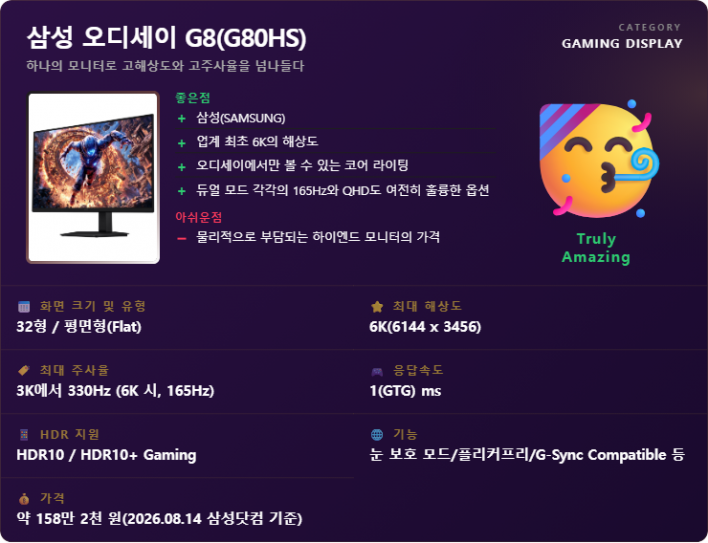
I was perfectly content with a monitor that met about 70% of those aforementioned standards. However, seeing the new product from Samsung Electronics' gaming monitor brand, 'Odyssey,' left me wide-eyed. Stripping away all the flowery language, this one sentence alone is enough to grab anyone's attention: 'The industry's first 6K (6144 x 3456) ultra-high-resolution gaming monitor.'.
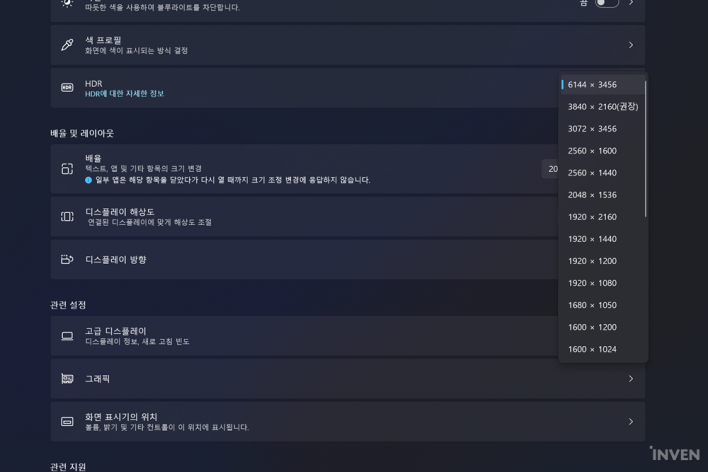
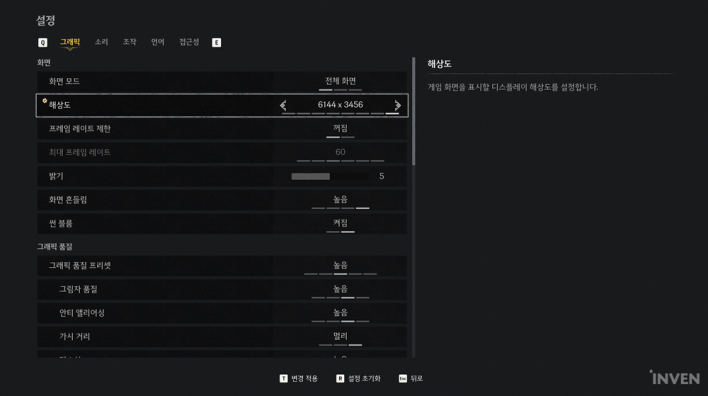
The 'Samsung Odyssey G8 (G80HS) (hereinafter Odyssey G8 (G80HS))' features a 6K resolution—a spec that feels unfamiliar but is immensely satisfying just to look at. It has been quite a long time since 4K monitors first appeared. However, it took a while for prices to drop to a level accessible to the average consumer and for hardware performance to catch up enough to properly output 4K. Perhaps that is why 4K still feels like a relatively recent standard, making 6K seem a bit excessive. But after turning it on, I realized that far from being excessive, higher hardware performance is always better.
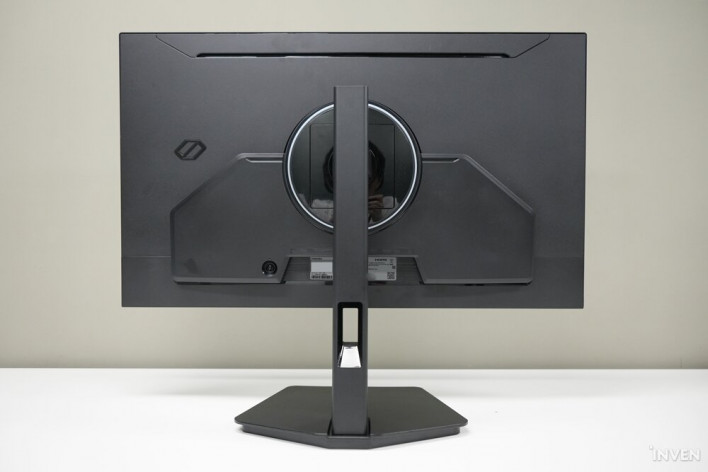
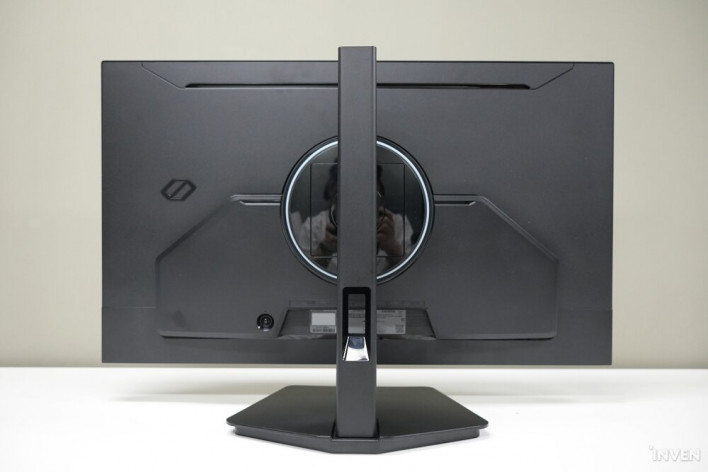
Ultra-luxurious game graphics presented by 6K (6144 x 3456) resolution
The 6K resolution (6144 x 3456) of the Odyssey G8 (G80HS) boasts approximately 2.5 times more pixels than 4K UHD (3840 x 2160). With 6k pixels packed densely into a 32-inch screen—a size we are now quite familiar with—it was nearly impossible to spot individual pixels even when I pressed my face right up against the monitor. It made me wonder, quite randomly, if Italian gelato has this kind of density.
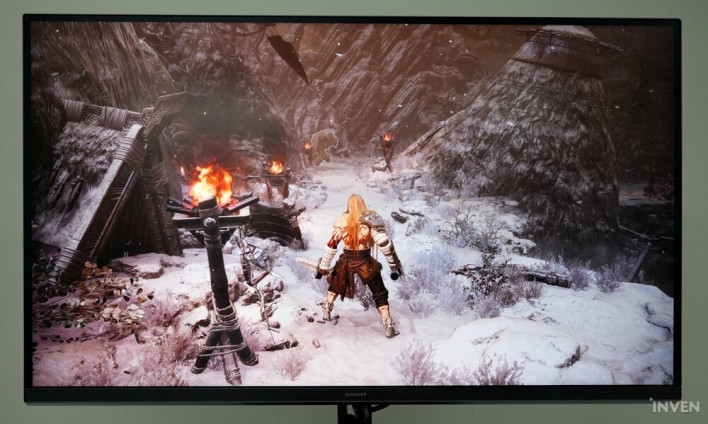
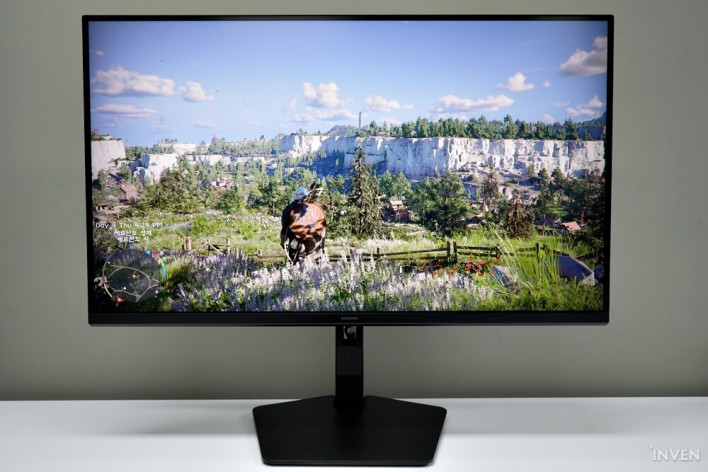
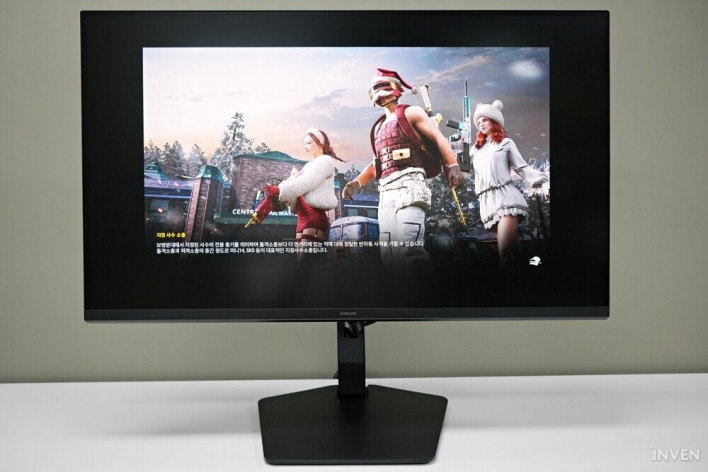
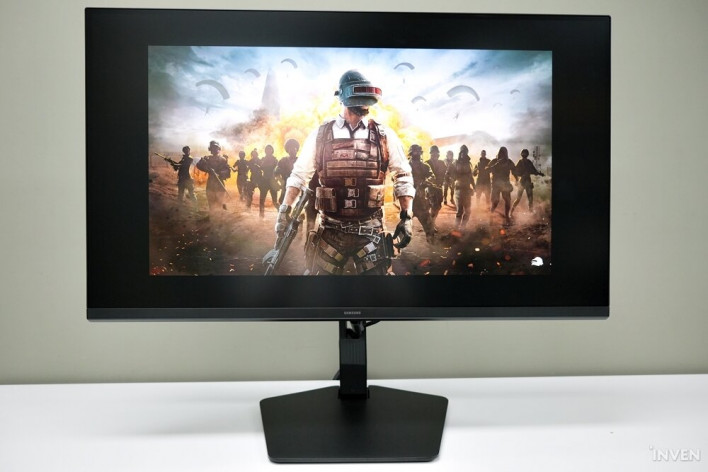
From photorealistic graphics to cartoon-rendered styles, the difference from existing displays is clearly palpable regardless of the game. The details of a character's armor, the intricate patterns engraved on a weapon, the texture of distant building walls, and even the veins on leaves are rendered with striking clarity. Areas that might have looked blurred or pixelated at lower resolutions are now expressed with perfectly distinct textures, providing smooth, precise visuals without the need for heavy anti-aliasing (AA) settings.
The visual experience in cartoon-rendered games was also superb. The thought, "Wouldn't there be little difference if it's not photorealistic?" was a misconception I held before experiencing 6K resolution. In fact, the satisfaction was even higher with cartoon-rendered styles, where this unique, clean, and crisp ultra-high resolution is much more clearly felt.
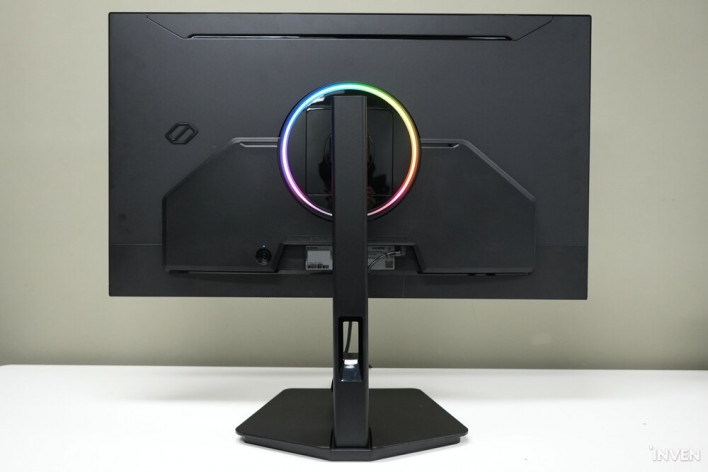
An all-rounder gaming monitor that transforms to fit the genre via Dual Mode
The biggest dilemma for gamers when choosing a monitor is whether to focus on 'visual-centric AAA games' or 'reaction-speed-centric eSports FPS games.' If you prioritize graphics, the refresh rate feels a bit lacking; if you prioritize reaction speed or refresh rate, the visual experience suffers. It's almost like being asked, "Do you love your mom or your dad more?" Naturally, products that satisfy both are very expensive.
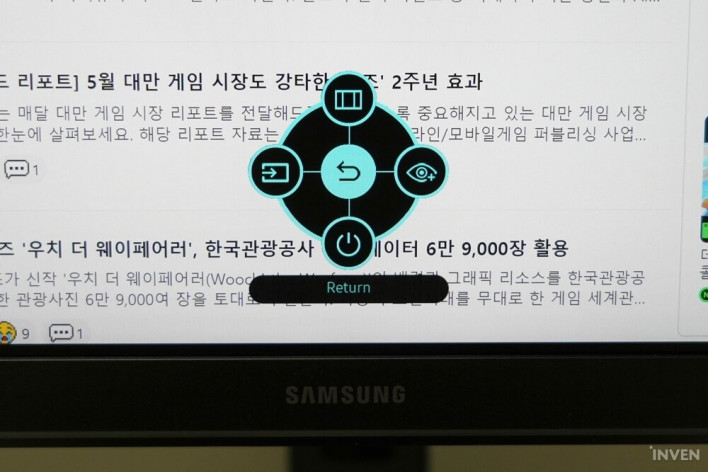
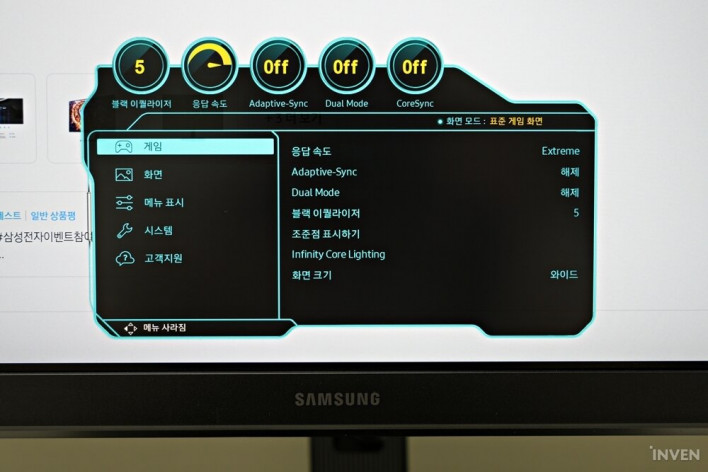
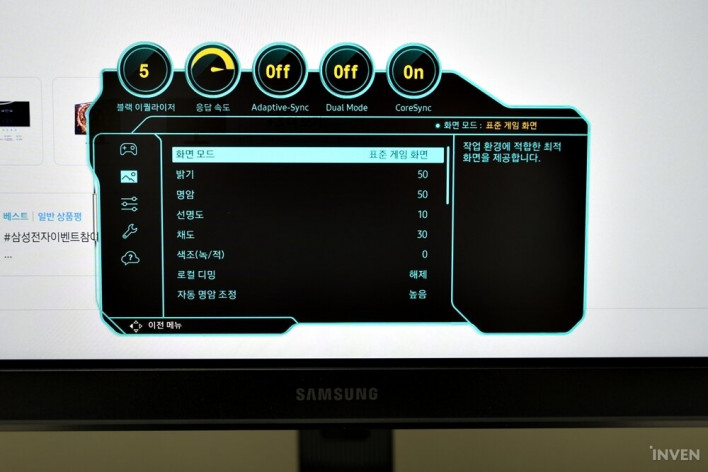
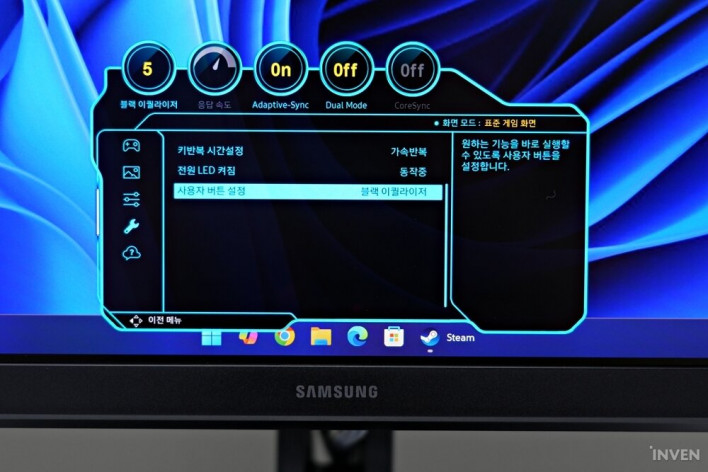
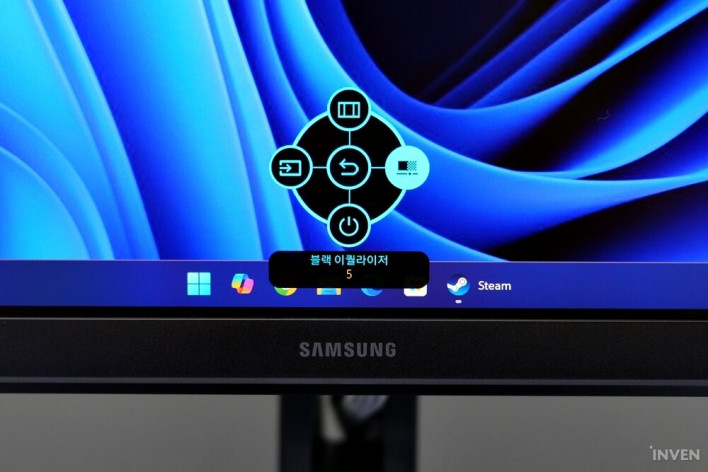
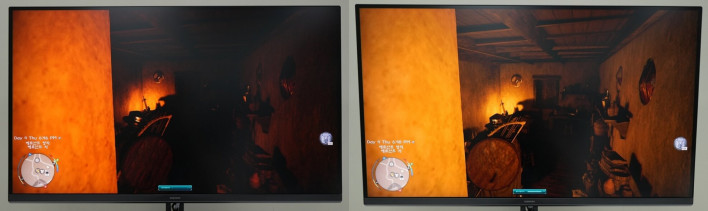
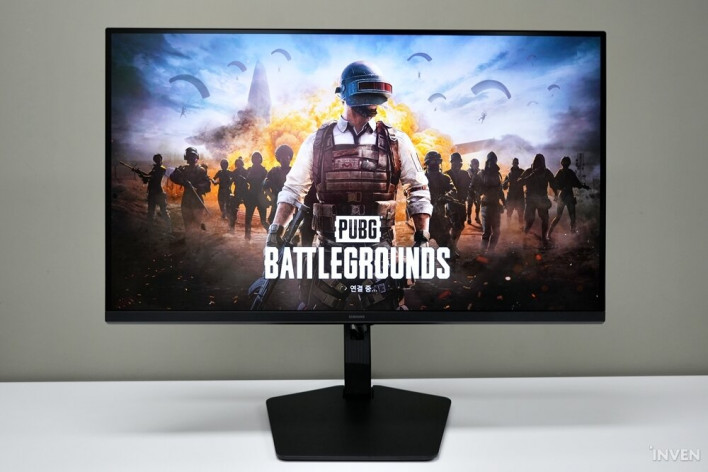
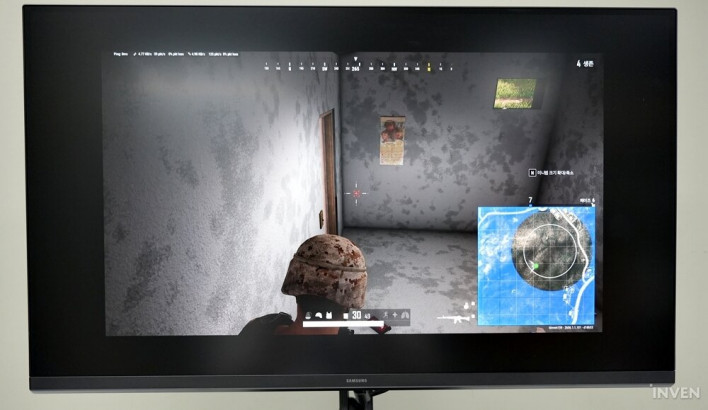
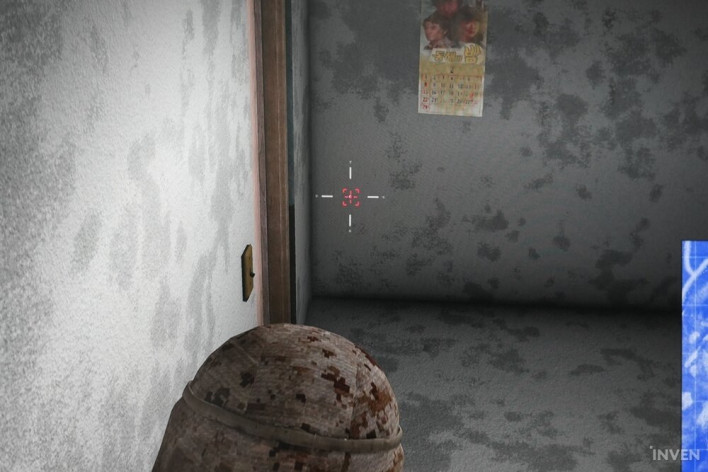
The Odyssey G8 (G80HS) goes beyond a compromise and offers a clear solution: 'Dual Mode.' For AAA open-world RPGs where immersive graphics are key, you can use the 6K ultra-high-resolution mode. Conversely, for FPS or AOS genres where a 0.1-second reaction time determines victory, you can switch to the high-refresh-rate performance mode to enjoy games at 3K resolution with a staggering 330Hz refresh rate. With the press of a button, you can change the monitor's character, providing the economy and convenience of essentially operating two monitors at once.
There is one more interesting feature here. For enthusiasts who insist that "24 inches is the golden rule for FPS," it includes a feature that adjusts the screen size to 24 inches. It might look a bit awkward in photos due to the empty space on the monitor, but once you sit in your chair and get immersed in the game, it creates a perfect FPS environment without any awkwardness.
Overwhelming utility for creators and high-end users beyond simple gaming
While this might be a bit outside my usual scope, the Odyssey G8 (G80HS) could serve as a dream monitor not just for gamers, but for creators, graphic designers, and video editors who require high-performance work. It could truly be an essential monitor for users who need to process high-resolution graphics.
For example, when editing 4K video content, a 6K monitor leaves plenty of space around the 100% 1:1 original 4K footage. You can comfortably arrange your timeline, scopes, and various effect toolbars in the remaining area, significantly boosting work efficiency. When doing 3D graphic rendering, CAD work, or pixel-level deep texturing, you can review details at a glance on the wide screen without needing to zoom in and out.
Furthermore, even with 3 or 4 web browsers, document windows, a video player, and stock charts open simultaneously, fonts remain sharp and clear, comparable to printed text, without being cut off or blurred. This is a very useful feature for users who multitask with multiple windows.
The next-generation display showcased by Samsung Odyssey through 6K and Dual Mode
The Odyssey G8 (G80HS) is a landmark product that has opened a new horizon of 6K ultra-high resolution in the monitor market. Narrowing the field to gaming monitors, it is an innovative product that can truly be called a next-generation display, especially with the inclusion of Dual Mode.
It features the visual impact of overwhelming pixel density, the flexibility of Dual Mode to provide the optimal screen environment for any genre, and a vast workspace that maximizes creator productivity. For these reasons, I would evaluate it as a monitor that represents the next-generation digital lifestyle, going beyond mere gaming equipment. Moreover, it is worth noting that it has succeeded in forming a reasonable price point compared to the high-end lineup, despite having next-generation specifications.
For high-end gamers who want to experience top-tier visuals based on 6K resolution, and for users who want to build both the best gaming environment and a high-precision work environment with just one monitor, the Samsung Odyssey G8 (G80HS) will be an irreplaceable, top-tier choice.